DocsPerformance
Performance
A phone is not a server. Speed comes down to the model size, the backend and how much memory is left for the conversation.
CPU or Vulkan
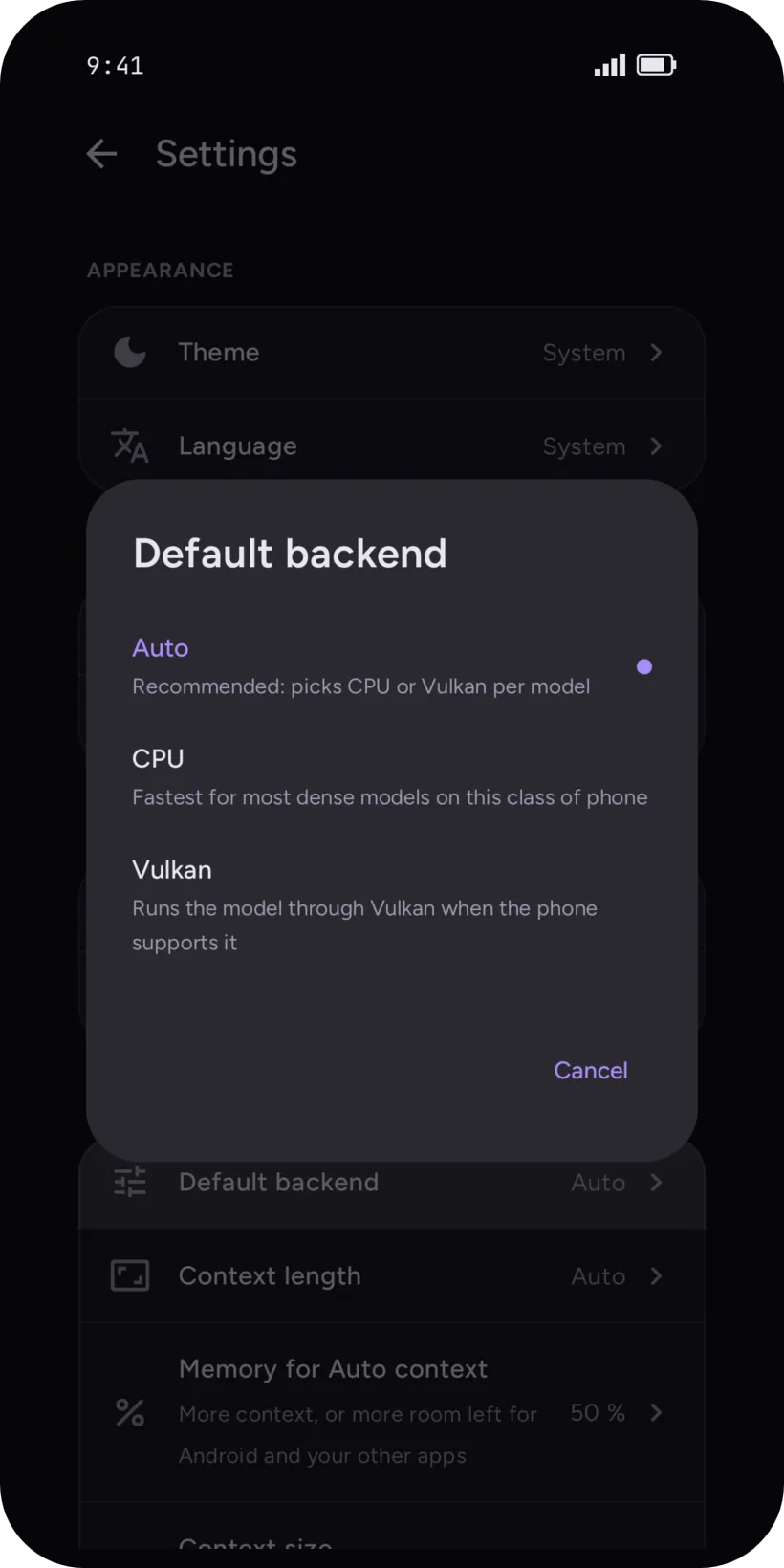
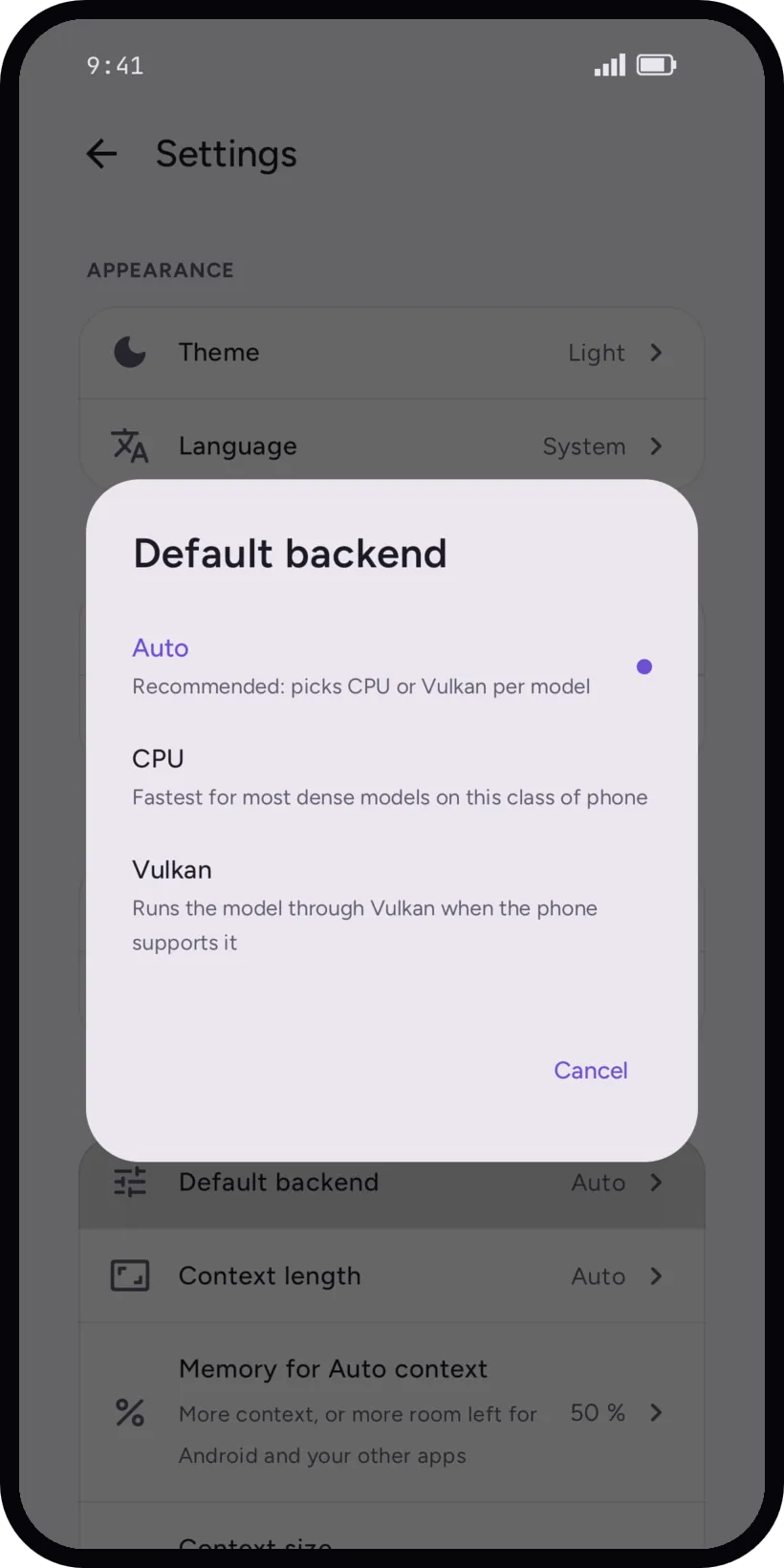
Settings, Inference, Default backend: Auto picks CPU or Vulkan per model, CPU forces the processor, Vulkan runs the model on the GPU when the phone supports it. Auto is the recommended one.
On the class of phone we measured, dense models (Llama, Qwen, Gemma) run fastest on the big CPU cores: this GPU has no cooperative-matrix path, so Vulkan loses on prompt processing and on generation. A few architectures are the other way round: for Phi and Gemma 3n the CPU path is slow, and Vulkan is faster at generating, though the CPU still wins on prompt processing.
Measured on a phone
Your phone will differ. These are numbers, not promises.
Dimensity 900 · Qwen3 1.7B Q4_K_M · CPU
- first message once ready
- ~1 s
- reply speed
- ~5.5 tok/s
- model load
- ~7 s
The tool list is prepared in the background after loading, about a minute on this phone.
The ~5.5 tok/s above is measured end to end in the app. This table is the engine's own benchmark, the one on the llama.kt page: Qwen3-1.7B reads 5.9 tok/s on CPU there, so the two differ.
OPPO CPH2251 · Dimensity 900 (2× A78 2.4 GHz + 6× A55 2.0 GHz, Mali-G68 MC4, LPDDR4X) · Android 13 · nCtx 4096 · temp 0 · ~20-token prompt · CPU = 2 big-core threads · llama.cpp b9769 · tok/s
| Model | Backend | pp | tg |
|---|---|---|---|
| Qwen2.5-0.5B-Instruct Q4_K_M | CPU(faster backend) | 29.5 | 15.0 |
| Vulkan | 7.0 | 9.0 | |
| Gemma-3-1B-it Q4_K_M | CPU(faster backend) | 10.9 | 6.0 |
| Vulkan | 3.7 | 5.4 | |
| Qwen3-1.7B Q4_K_M | CPU(faster backend) | 8.6 | 5.9 |
| Vulkan | 2.1 | 4.2 | |
| Llama-3.2-3B-Instruct Q4_K_M | CPU(faster backend) | 6.0 | 3.9 |
| Vulkan | 1.2 | 2.9 | |
| Phi-4-mini (3.8B) Q4_K_M | CPU | 3.9 | 1.7 |
| Vulkan(faster backend) | 0.8 | 2.3 | |
| Gemma-3n-E2B-it Q4_K_M | CPU | 1.9 | 1.1 |
| Vulkan(faster backend) | 1.8 | 1.9 | |
| Qwen2.5-7B-Instruct Q4_K_M | CPU | 1.4 | 0.2 |
Context and memory
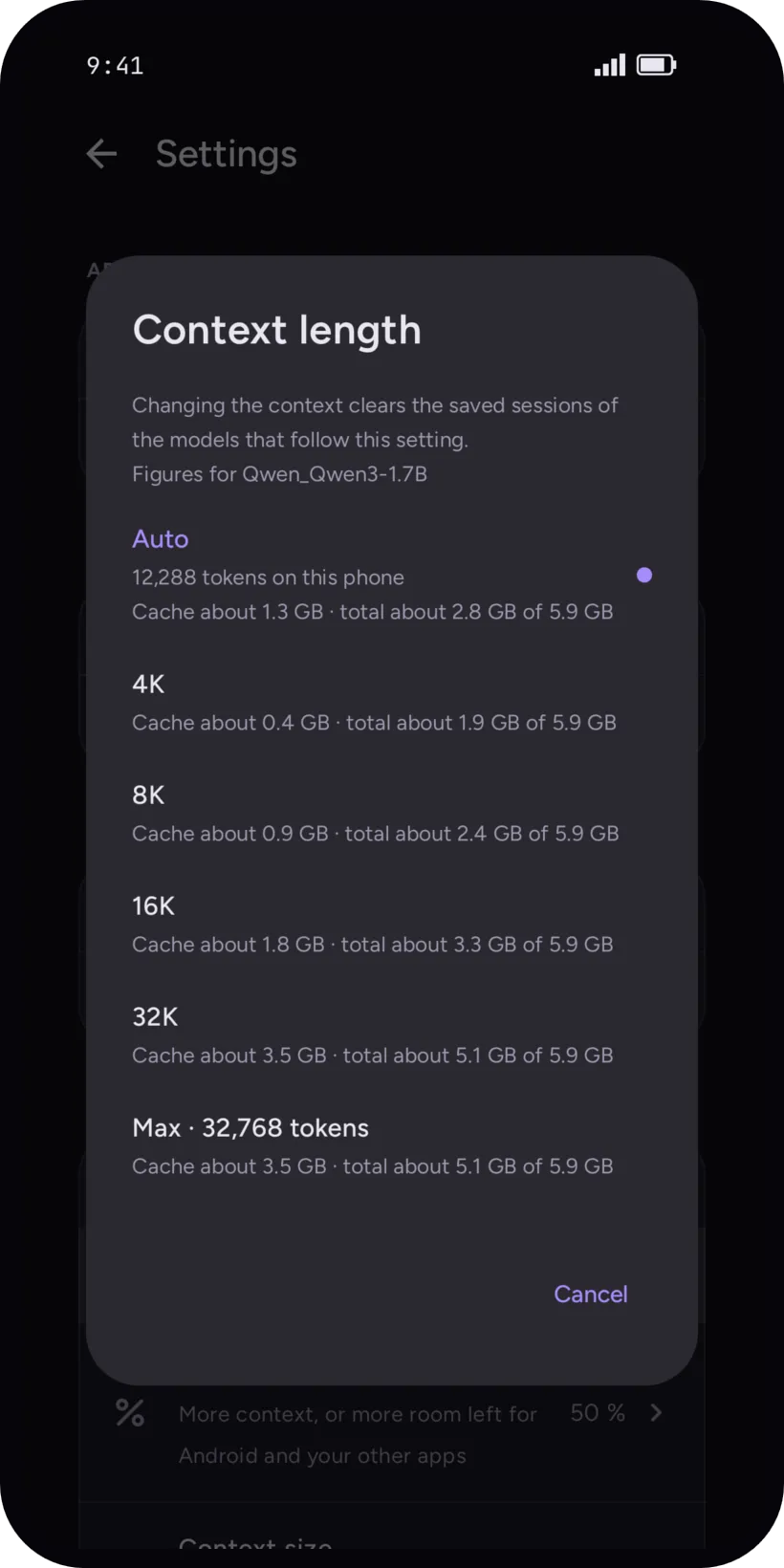
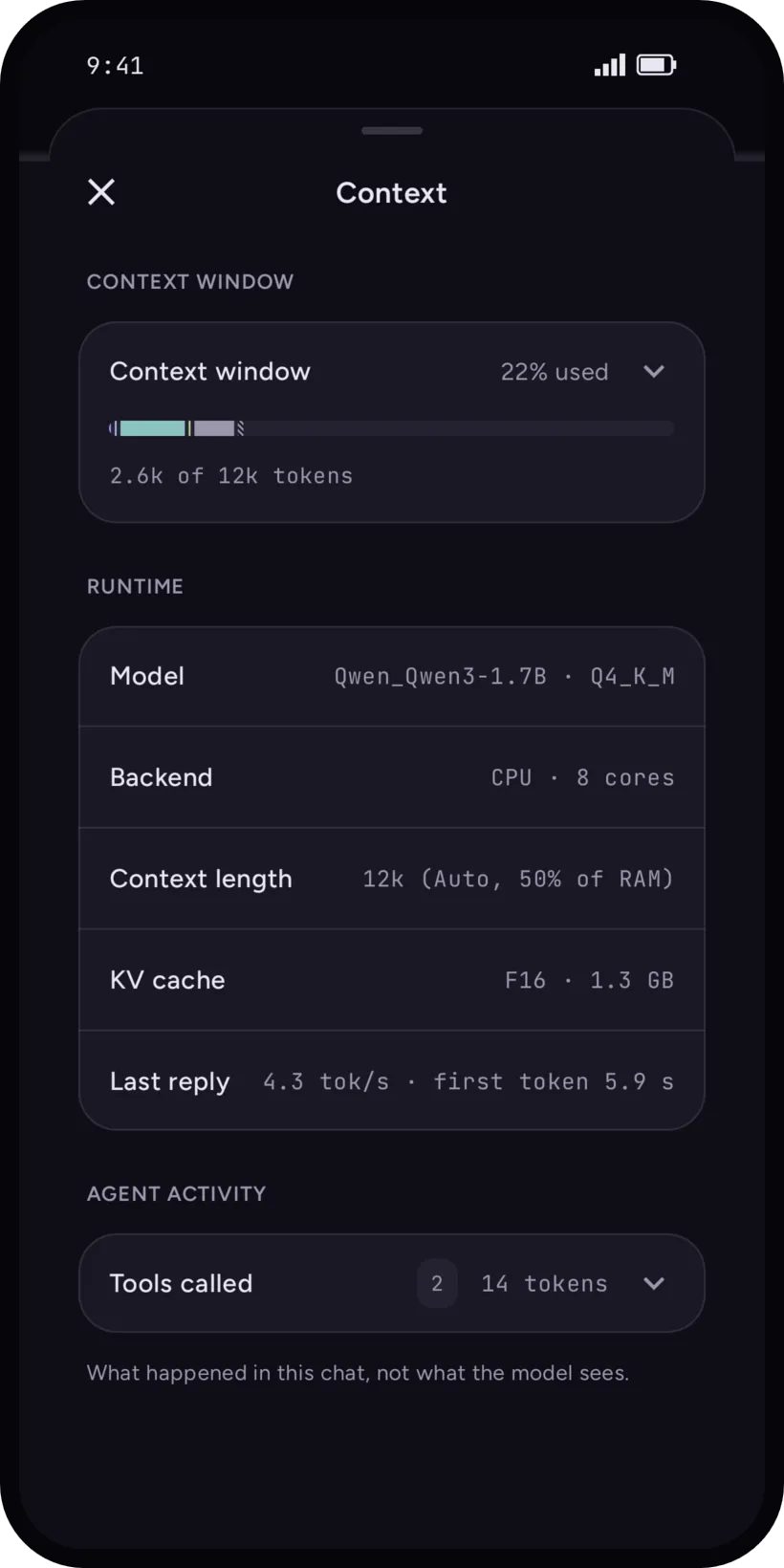
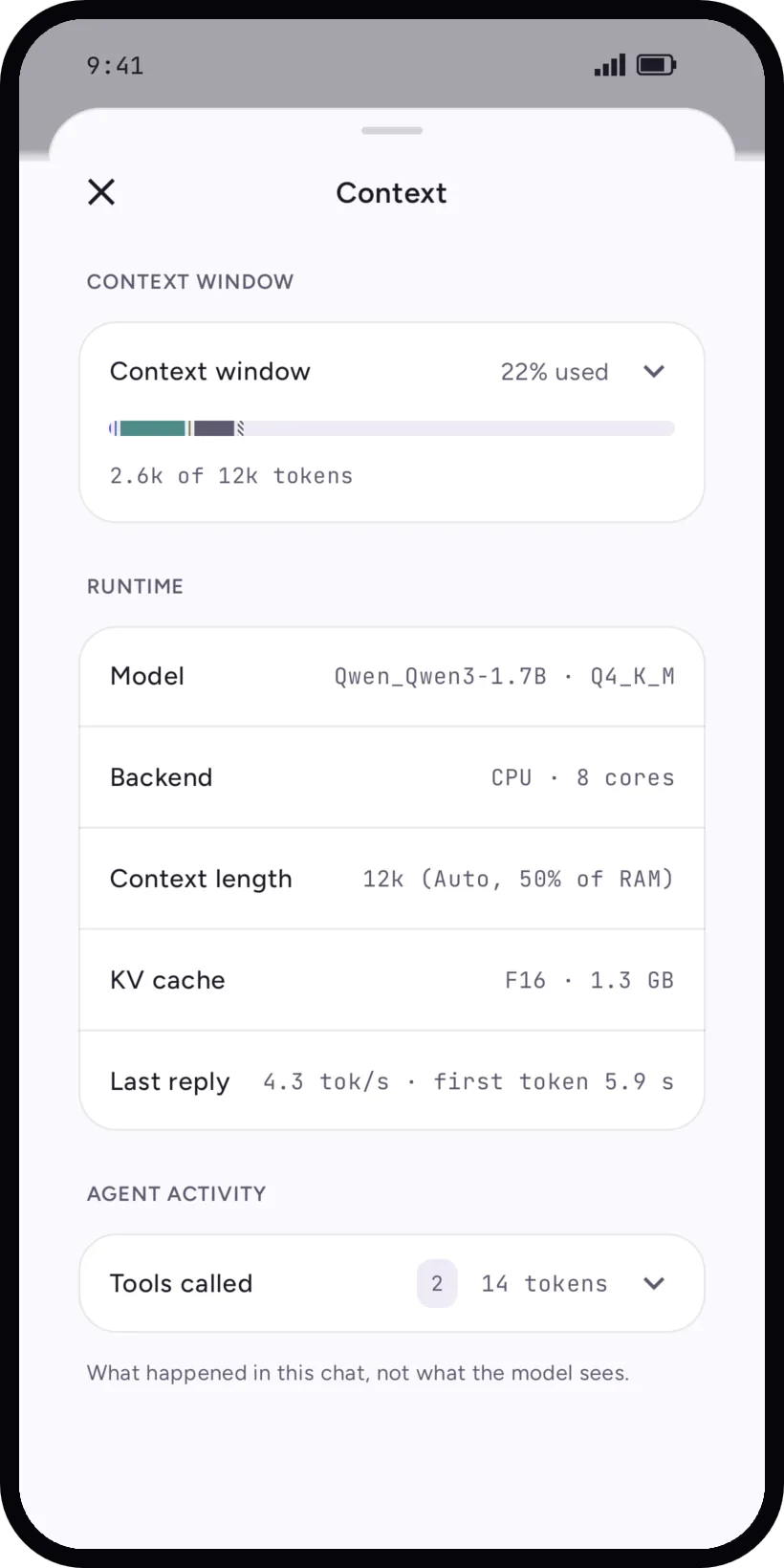
The context is what the model keeps in mind in a conversation. It takes memory, in a KV cache that grows with its length, so a longer context leaves less room for everything else.
- Context length
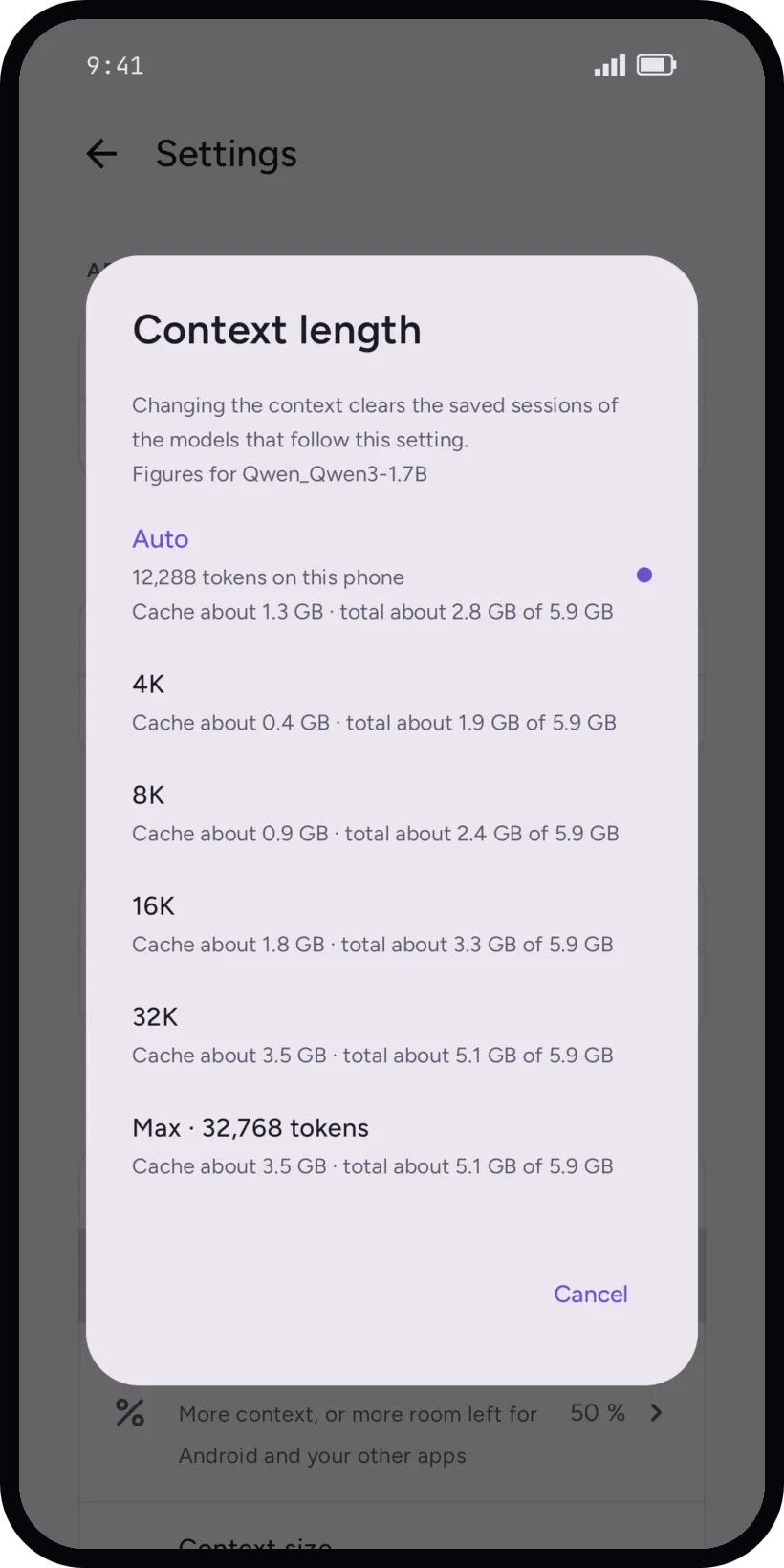
- Settings, Inference. Auto is the most your phone's memory can hold, up to the length the model was trained on. 4K, 8K, 16K, 32K and Max are fixed sizes. A model can have its own setting.
- Memory for Auto context
- How much of the memory Auto may use: more context, or more room left for Android and your other apps.
- Too big
- If a size is too much for the phone, tensai says it starts at a smaller one. It first tries a more compact cache, then smaller contexts.
On CPU loads the memory cache is q8_0: replies are faster in chats with tools (4.7 to 6.3 tok/s), but reading a long new text is slower.
Changing the context clears the saved sessions of the models it applies to. The conversations stay.
When it is slow
- Pick a smaller model. A Tight fit model is slower by nature, see the fit check.
- Look at the backend of the model in the picker, and try CPU or Vulkan by hand.
- Lower the context length, or the memory share of Auto.
- Close what you do not need: the verdict also softens to Tight fit when the phone is short of free memory.
- After a model loads, tensai prepares its tool list in the background: the first message of a new chat can wait for it.
- The first message after a creative reply, which runs without tools, no longer waits for a full re-read of the tools prefix: about 2 minutes before, 1 to 2 s now (Dimensity 900, Qwen3-1.7B on CPU), also after reopening the app.