DocsModels
Choose your first model
Start small. A model that fits comfortably is faster and more useful than a big one that barely loads.
Start small
On first launch tensai suggests the biggest model of its built-in list that runs well on your phone, judged on your RAM, or the smallest one if none does. The other models of the list sit under it, each with its own verdict.
Models of 1 to 2 billion parameters are the comfortable ones. Move up once you know how your phone handles them.
The file to look for
Models come as GGUF files. The file name tells you the model, its size and how it is compressed.
Qwen_Qwen3-1.7B-Q4_K_M.ggufReading the name
- Qwen3
- The model family.
- 1.7B
- Parameters, in billions. More parameters usually means a smarter model, and a slower one.
- Q4_K_M
- The quantization: how much the weights are compressed. It is the one every model of tensai's built-in list uses.
Size vs memory
The app's own verdict for a few models, by the amount of RAM of the phone. Your phone also needs room for the conversation itself, so a tight fit gets slower as chats grow.
| Model | File sizeSize | 4 GB RAM | 6 GB RAM | 8 GB RAM |
|---|---|---|---|---|
| Qwen3 1.7B Q4_K_M | 1.28 GB | Runs well | Runs well | Runs well |
| Llama 3.2 3B Q4_K_M | 2.02 GB | Won't fit | Runs well | Runs well |
| Qwen3 4B Q4_K_M | 2.50 GB | Won't fit | Tight fit | Tight fit |
| 8B-class model, Q4 | 4.50 GB | Won't fit | Won't fit | Tight fit |
The 8B row is a typical file of that class, not a model in tensai's list.
4 GB phones are at the limit. The table describes a phone class: the app checks your actual phone and the actual file.
The fit check
Each model gets a light, computed on your phone from numbers the app can read: your total RAM and the model's file and shape.
- Usable memory
- Your total RAM minus 1.5 GiB, kept for Android and your other apps.
- What a model needs
- Its file, plus about 300 MiB of working buffers, plus a buffer and a KV cache that grow with the context. With the Auto context the verdict prices it at 4096 tokens, or the model's trained length if that is shorter, with an F16 cache. With a fixed size or Max, it uses the plan the load would really run.
- Runs well
- It fits in the usable memory and is not expected to be slow.
- Tight fit
- It loads, but it needs more than the memory free right now, or it is expected to be slow: models of 3.5 billion parameters or more, and the Gemma 3n and Gemma 4 families, are marked tight even when they fit.
- Won't fit
- It needs more than the usable memory. For a file you imported, even the smallest context the load can shrink to (1024 tokens) does not fit.
Two more labels exist: Not supported, when the engine does not know the model's architecture yet, and Draft model, for speculative decoding heads that cannot run alone. Neither has a way to load.
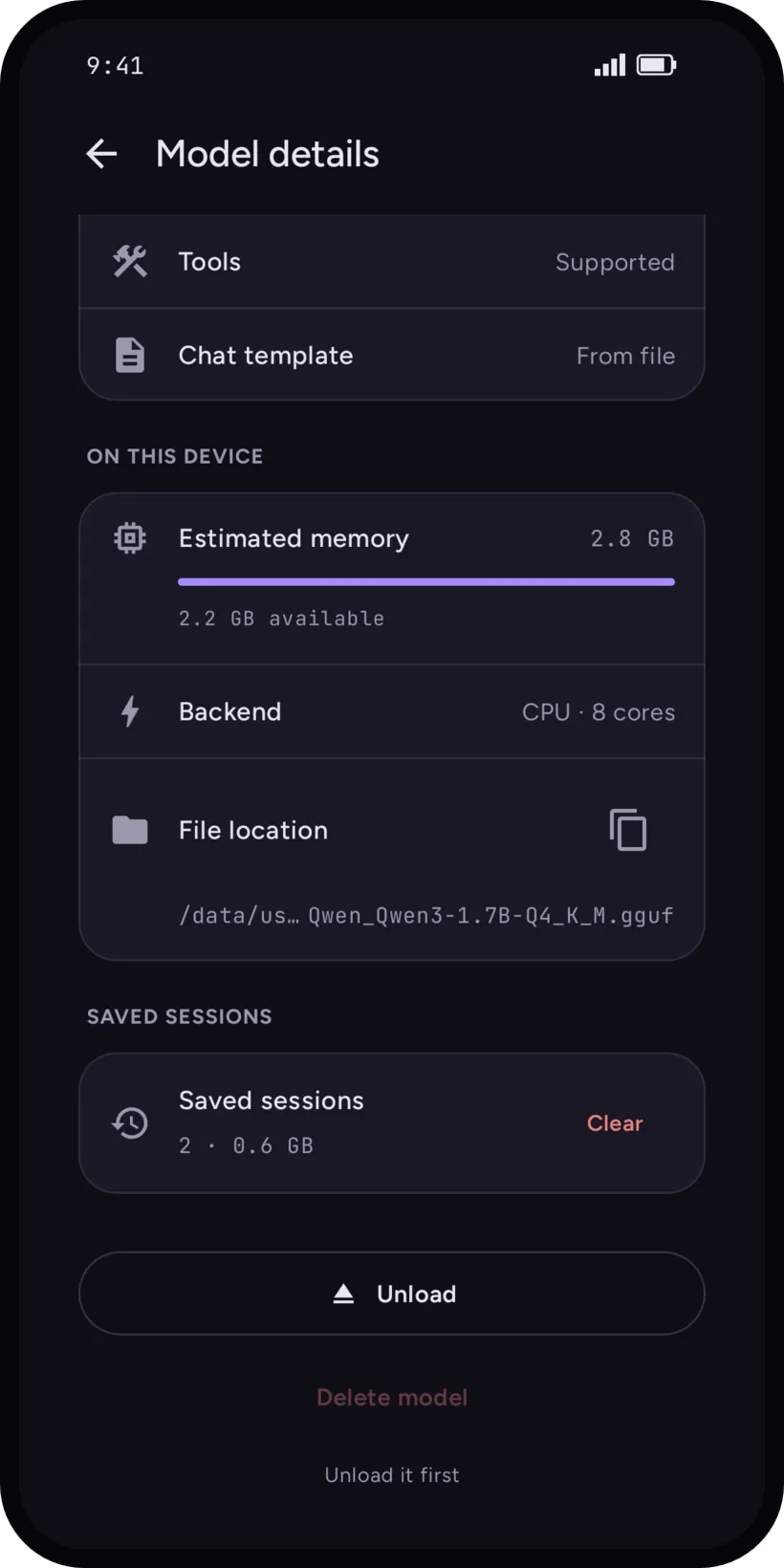
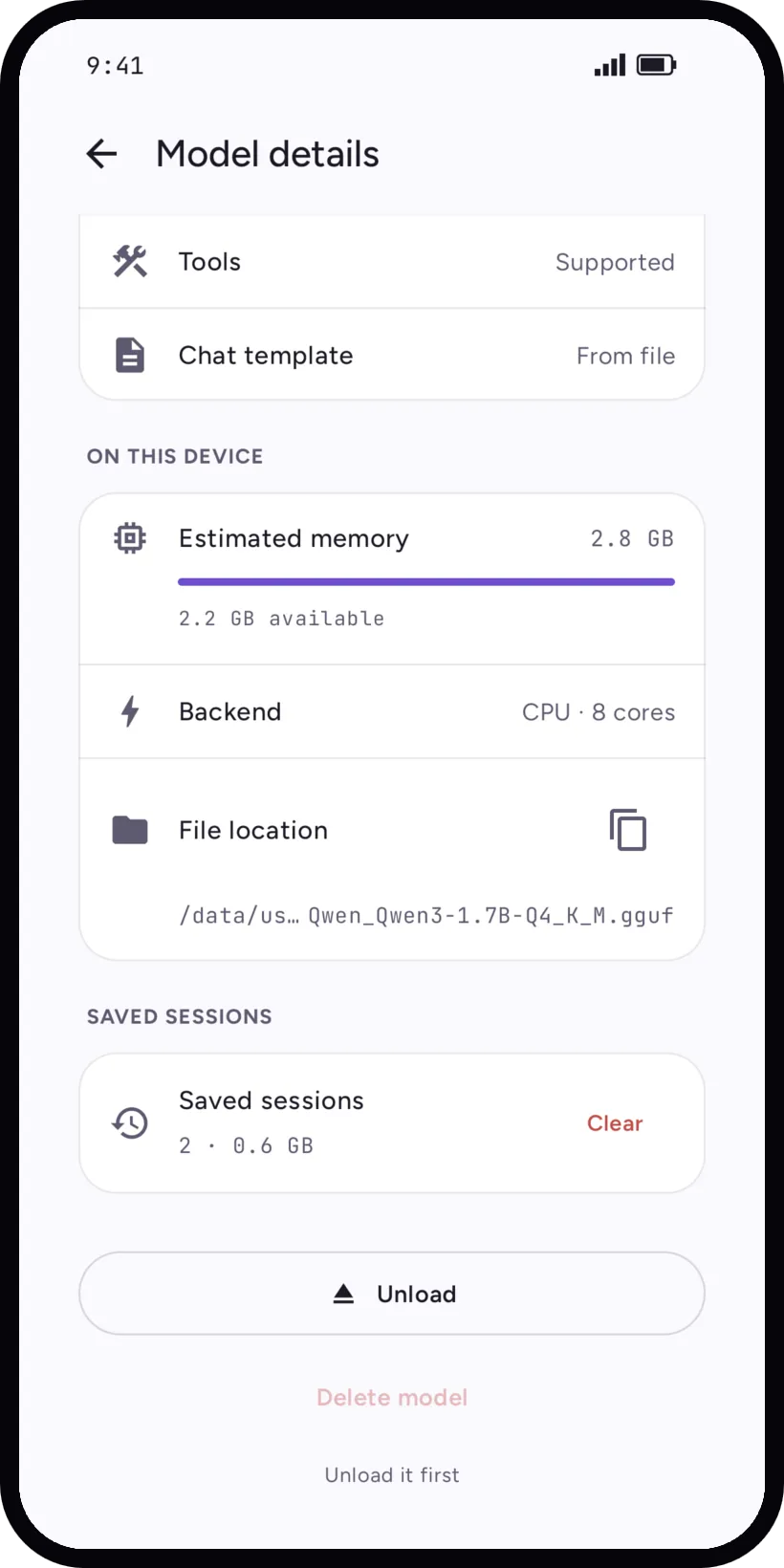
A red light does not forbid anything: Load anyway is there, kept quiet on purpose. On the model's detail page, Estimated memory shows the number behind the light.
In the app
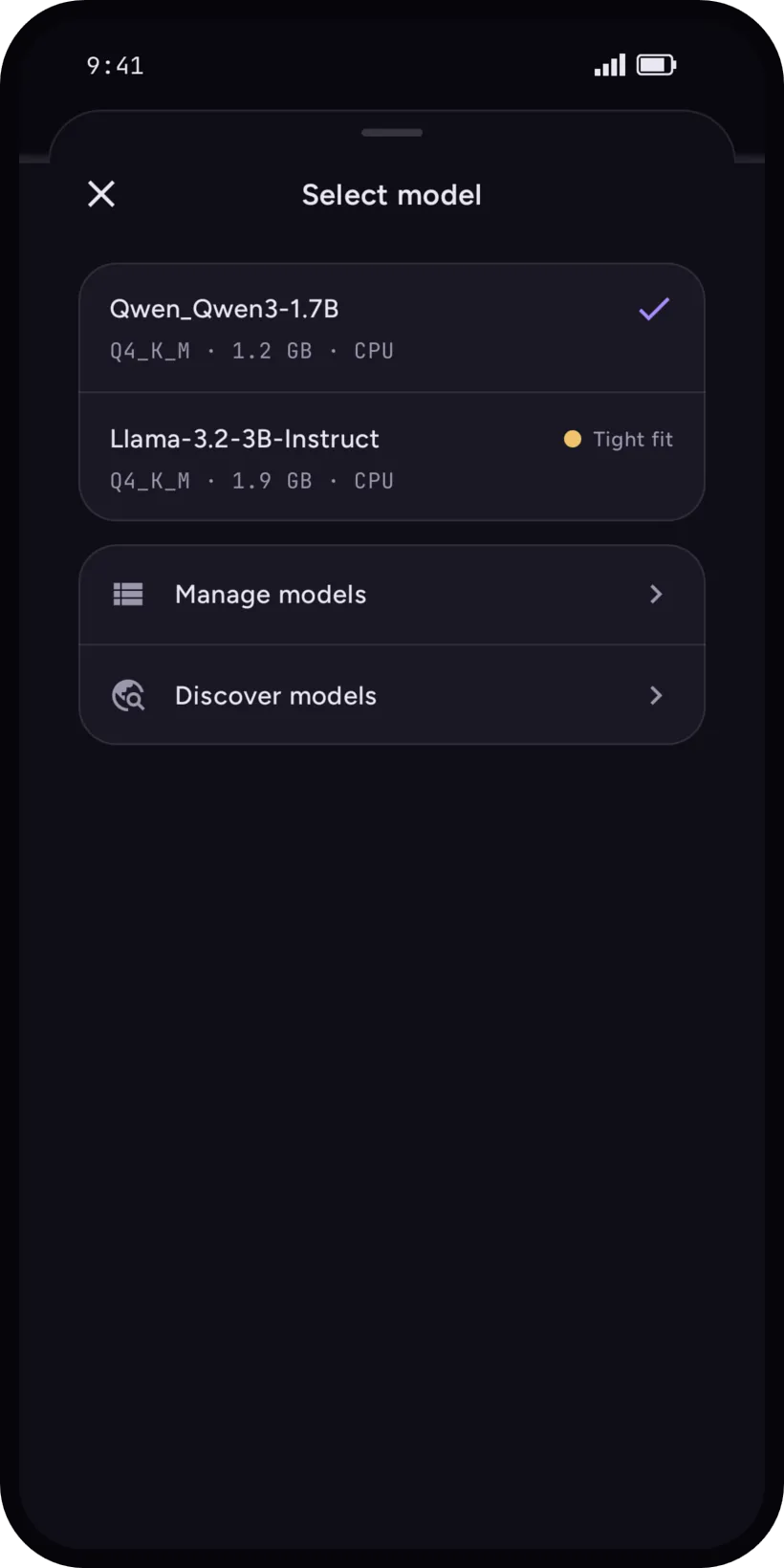
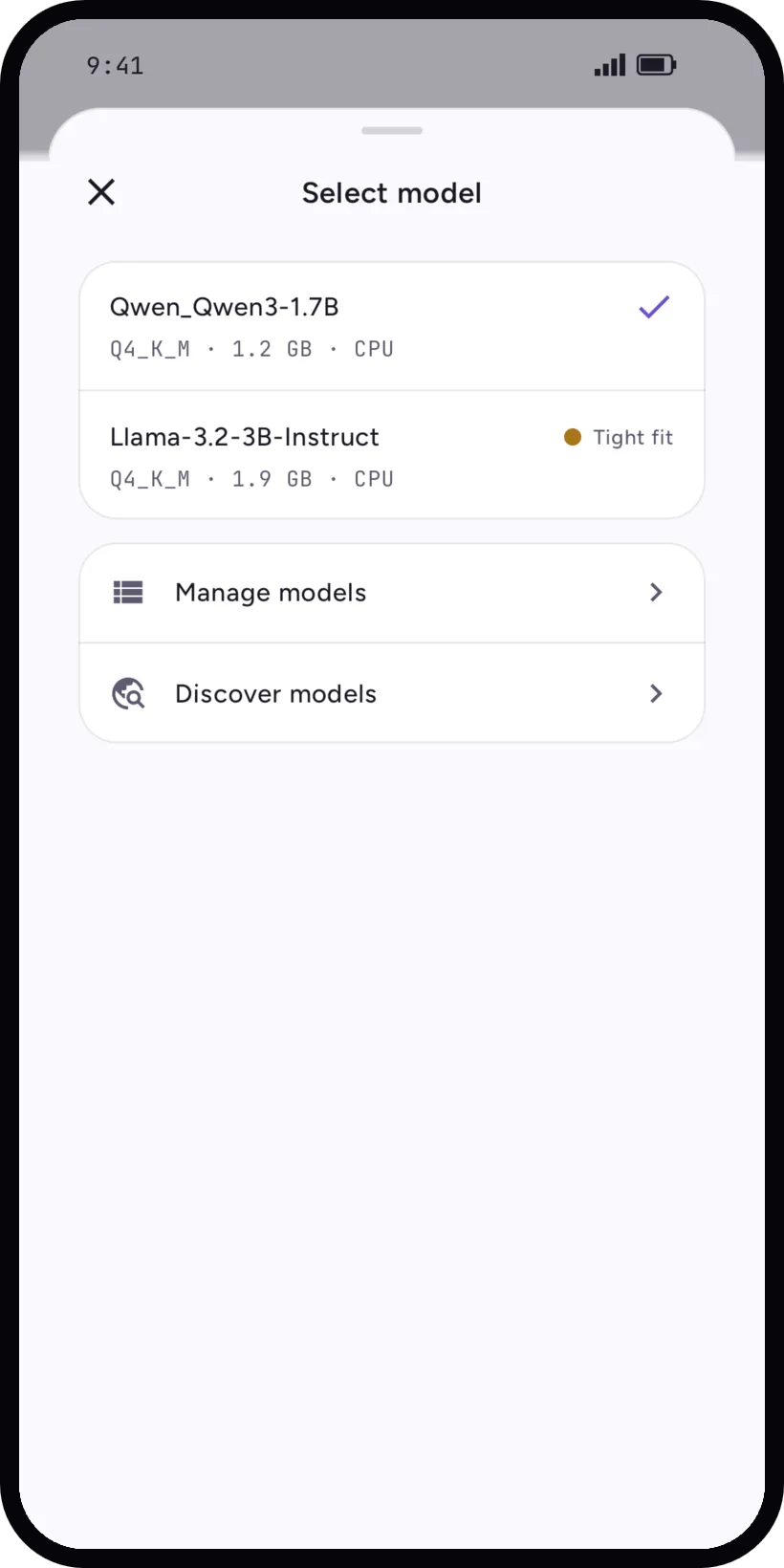
Open the model picker from the chip in the input bar. Each model shows its quantization, file size, backend and fit for this phone. Manage models and Discover models are under the list.
In Discover, Recommended for your device comes first, and the Fits my phone filter hides what would not load. See Download from Hugging Face.