DocsTools and permissions
Tools and permissions
The model can call tools. You decide which tiers it may use, and what leaves the phone is limited to the Internet one.
The three tiers
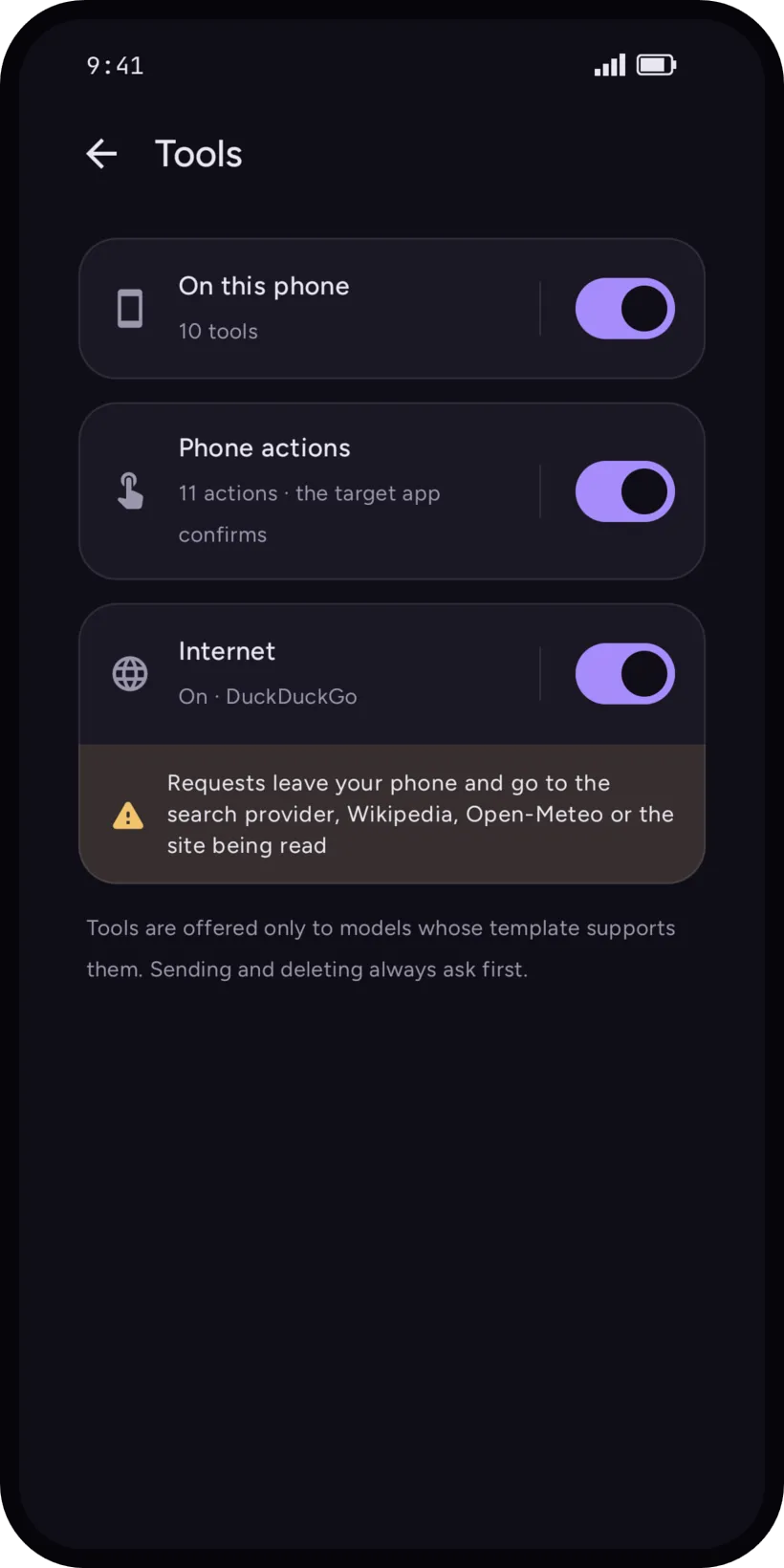
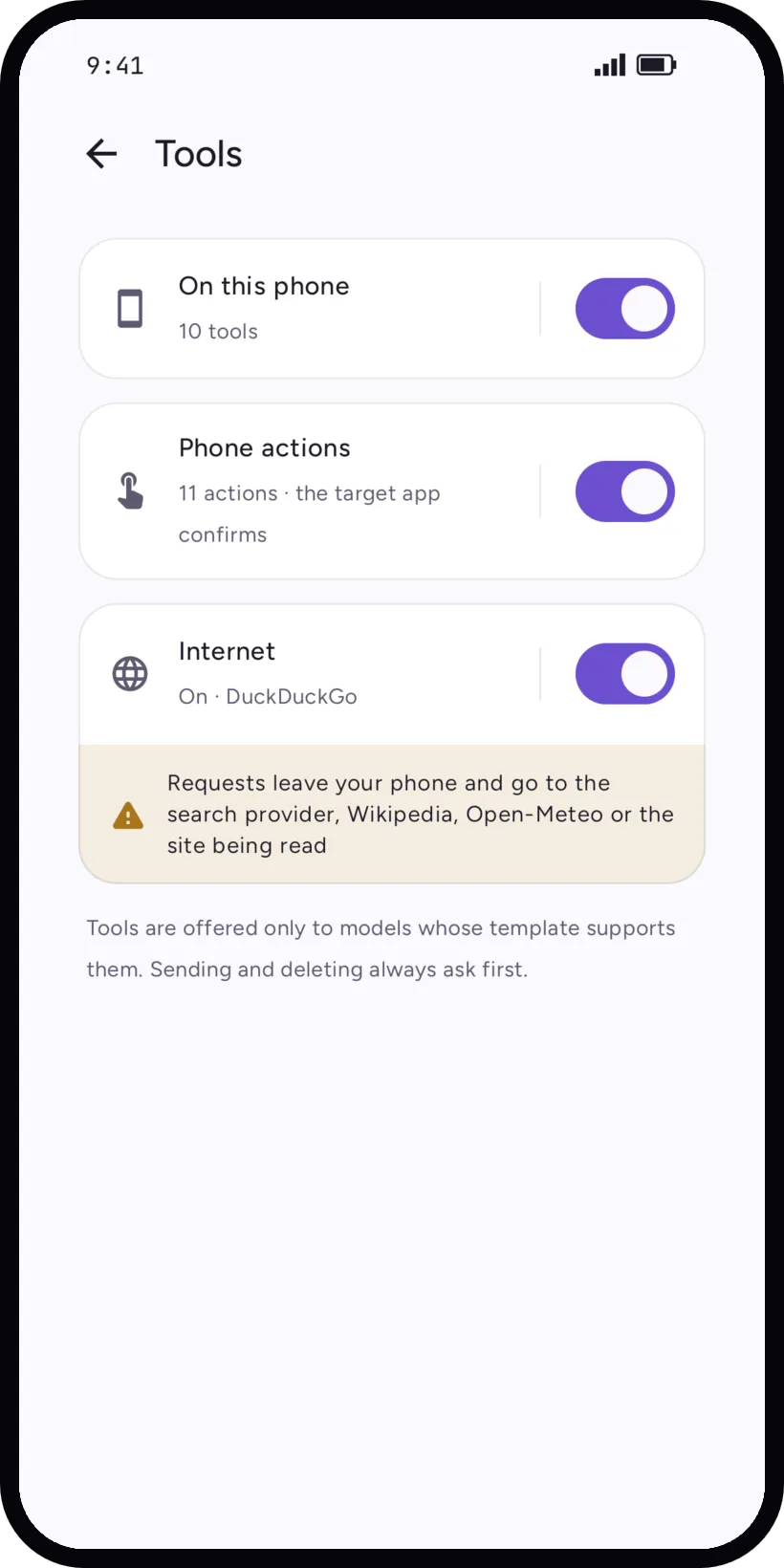
Settings, Tools has one switch per tier. Tools are only offered to models whose chat template supports them, and each call shows as a card in the chat: tap it to see its inputs and its output.
- On this phone (on by default)
- Date and time (also in another place: "what time is it in Tokyo"), calculator, unit converter, time zones, device info, search in your chats, memory, ask you a question, clipboard, torch. No network, no permission.
- Phone actions (on by default)
- Opens the right app with the result ready: a timer or an alarm in Clock, an event in Calendar, a draft in Messages or in your mail app, another app, a link, the media player. Also reads your contacts, your calendar and your approximate location when you ask, which needs Android permissions.
- Internet (off by default)
- Web search, reading one web page, weather, Wikipedia.
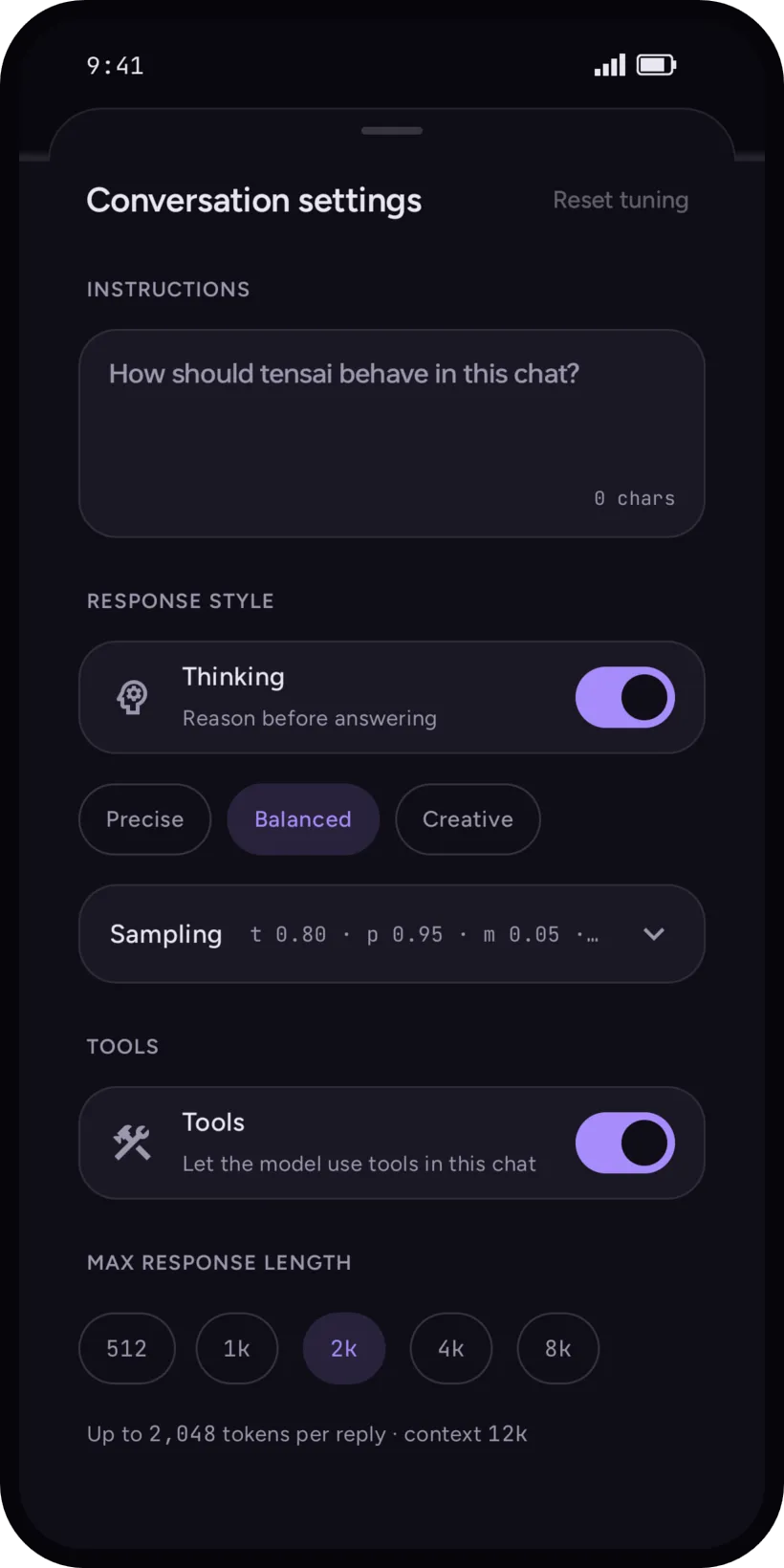
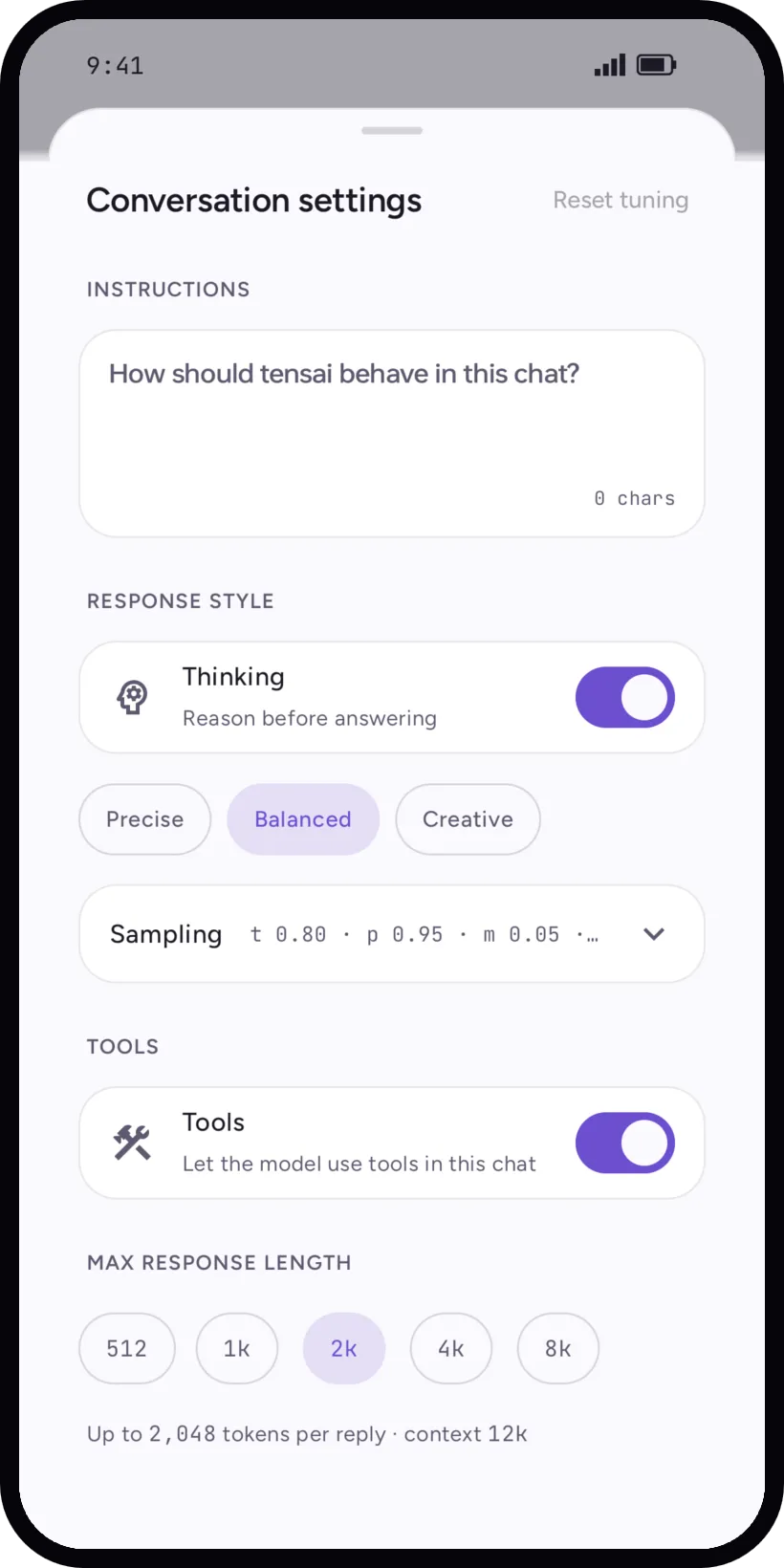
Each chat has its own switch too: Conversation settings, Tools, Let the model use tools in this chat.
When the model gets tools
When the first message asks for creative writing (a story, poem, song, essay, dialogue), the model answers without tools. Every other message gets the tools you enabled. It is a word rule, in English and in French, not a model's guess.
After two tool steps in a row fail or are refused, tensai stops offering tools for that reply.
With thinking on, the reasoning budget follows the message: a simple one gets a short budget (256 tokens), a multi-step problem, like a long message with numbers, gets the full one (1024). With thinking off, nothing changes.
What asks first
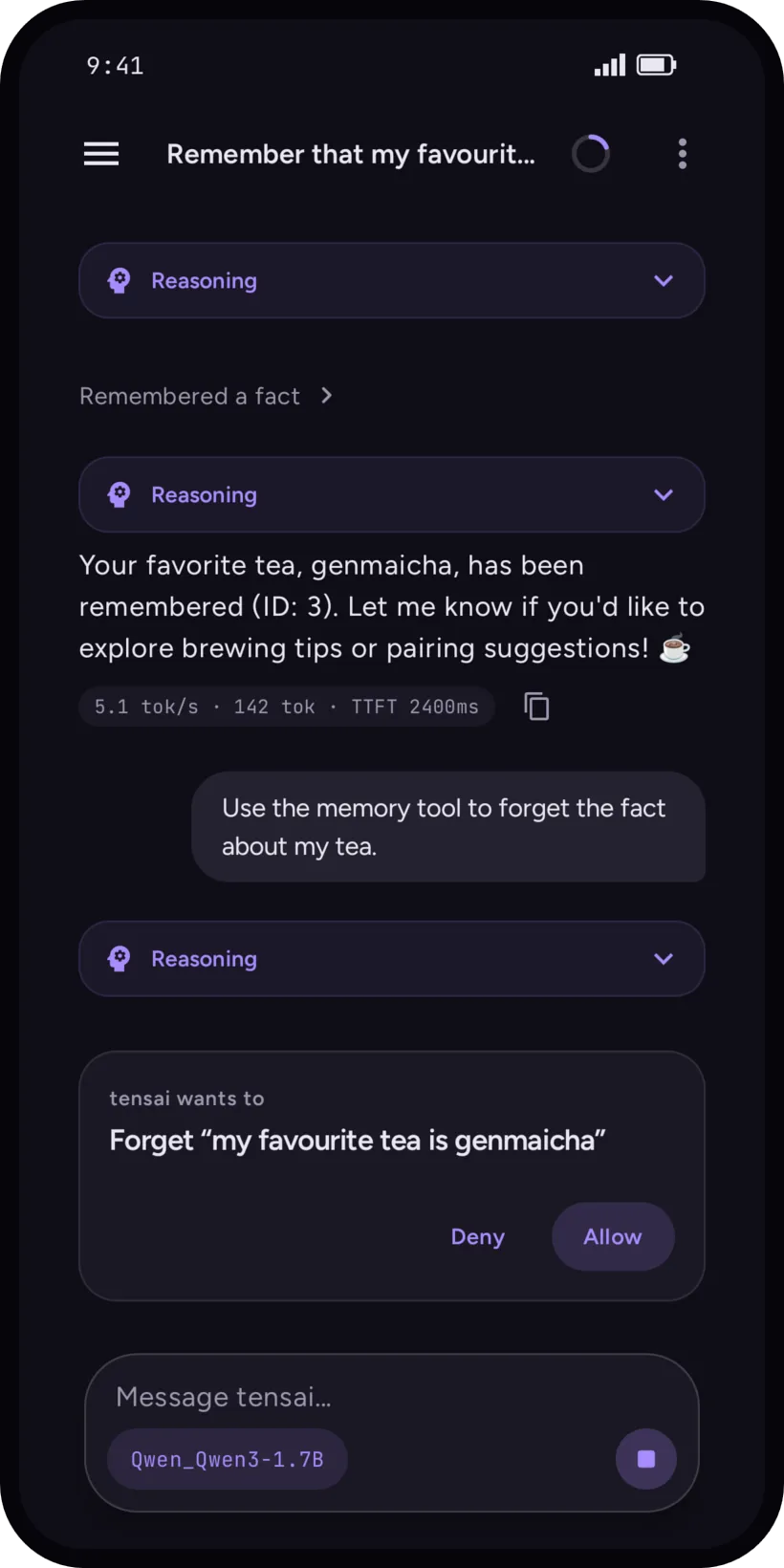
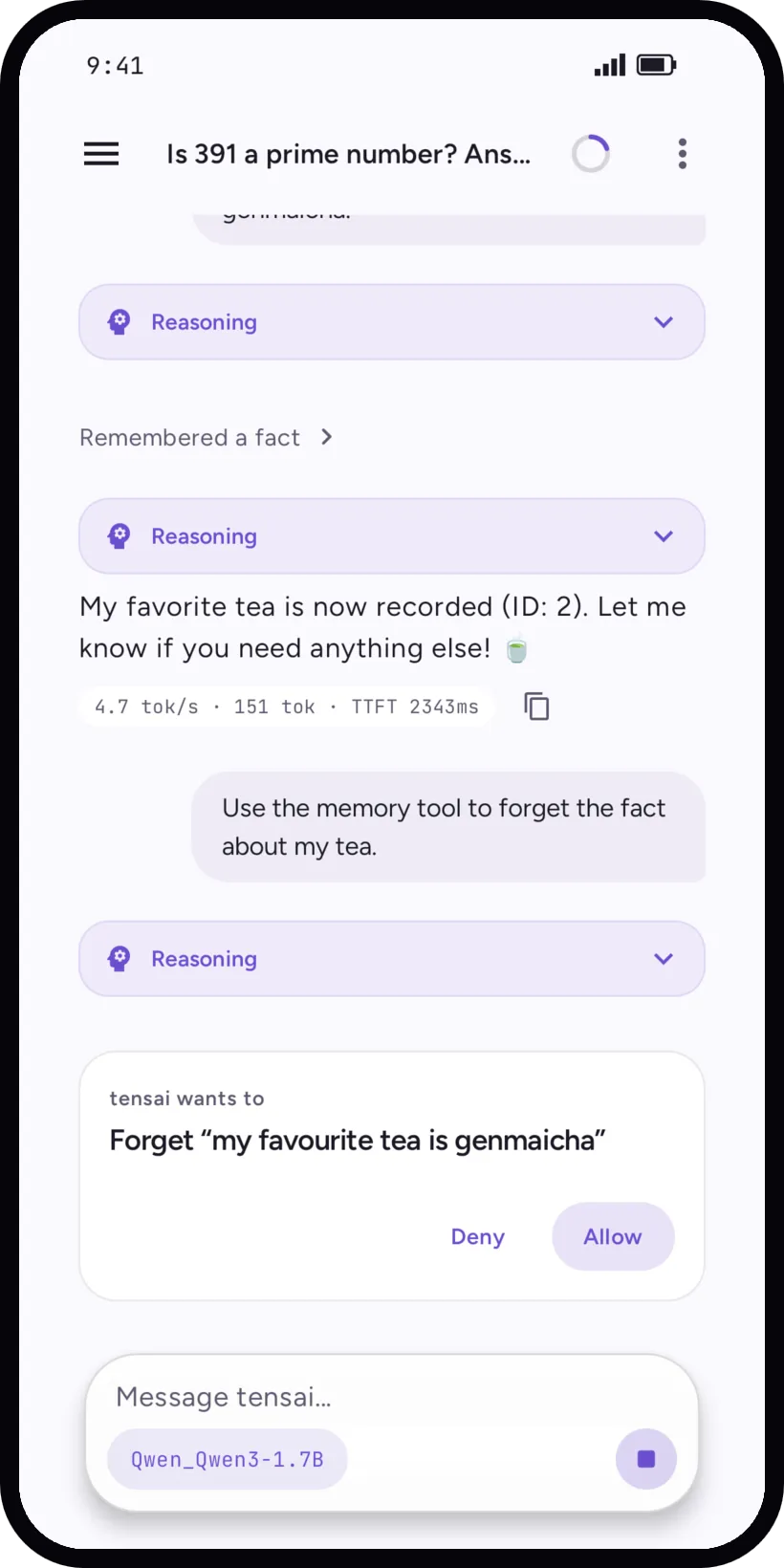
- Deleting a fact from memory and opening a link ask for your answer in the chat, with Deny and Allow. Stop cancels the whole turn.
- A phone action opens the other app with a draft, and you validate there. tensai never sends a message itself.
- Remembering a fact or listing the memory does not ask, but every call is shown. You can forget everything in Settings, Memory.
- A tool you turned off is not offered to the model at all.
Your instructions
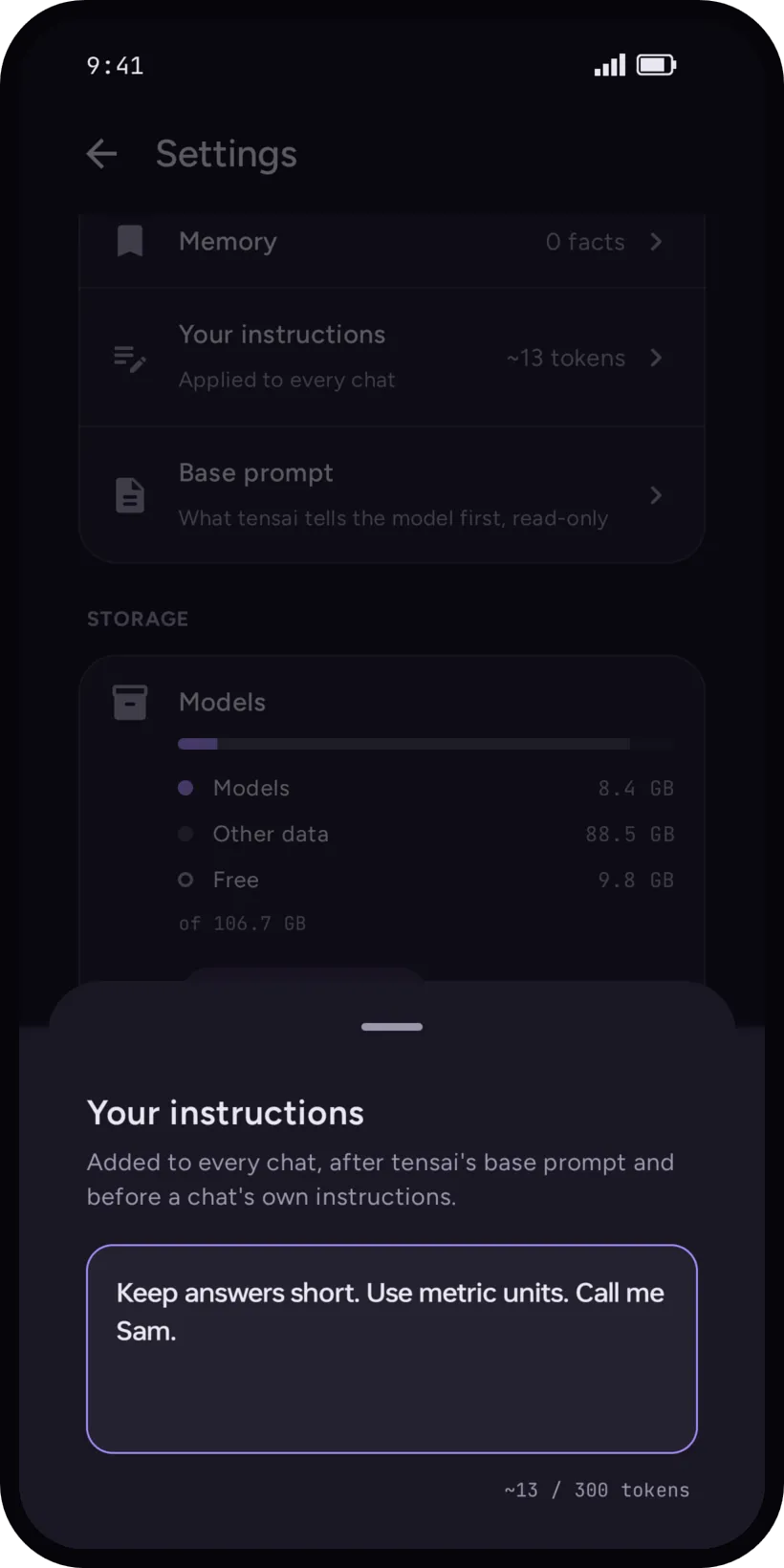
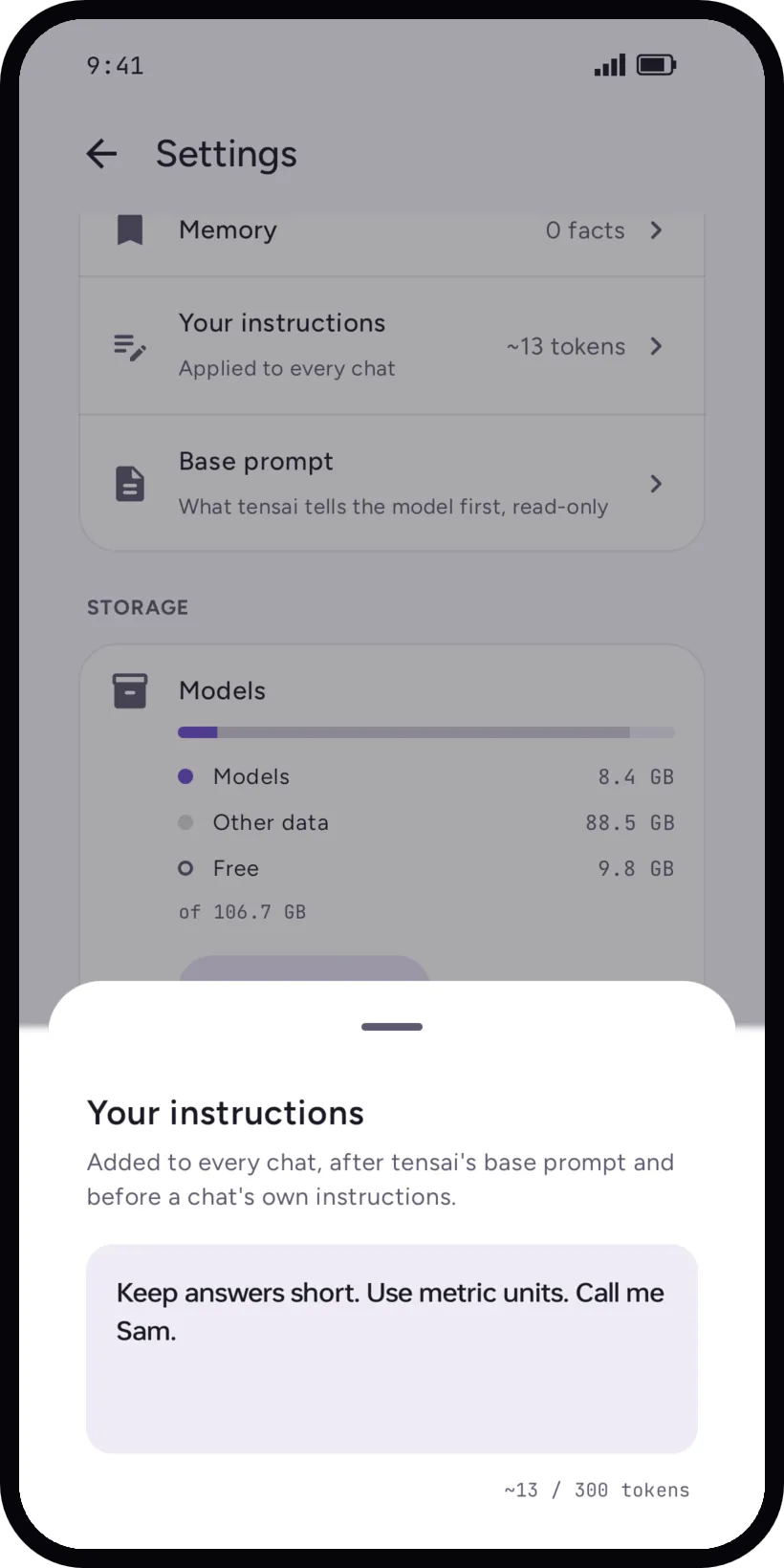
Settings, Your instructions is free text applied to every chat, up to 300 tokens. It is added after tensai's base prompt and before a chat's own instructions. Settings, Base prompt shows what tensai tells the model first, read-only.
Each chat can also have its own instructions, in its Conversation settings.
Delete a chat
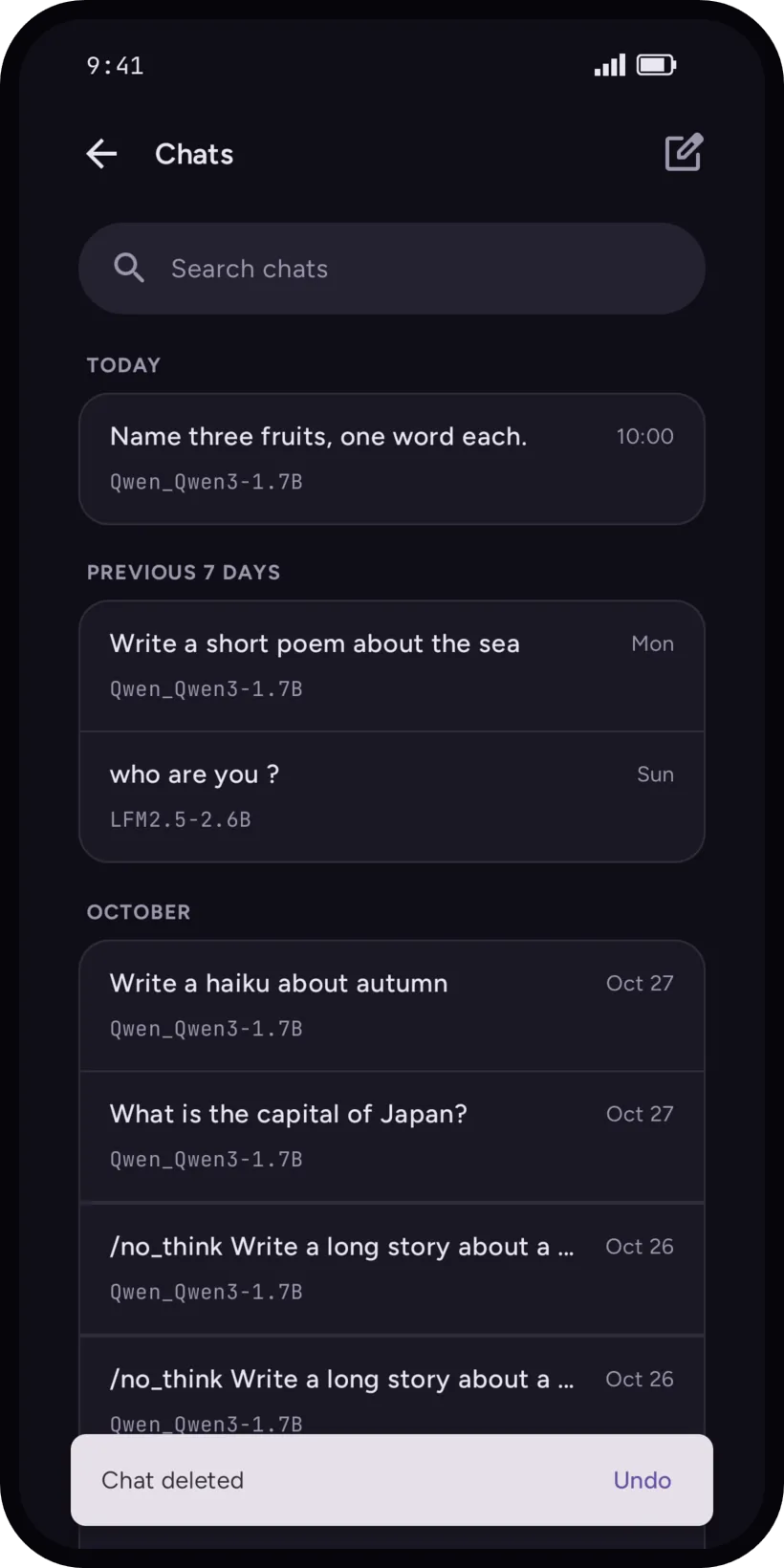
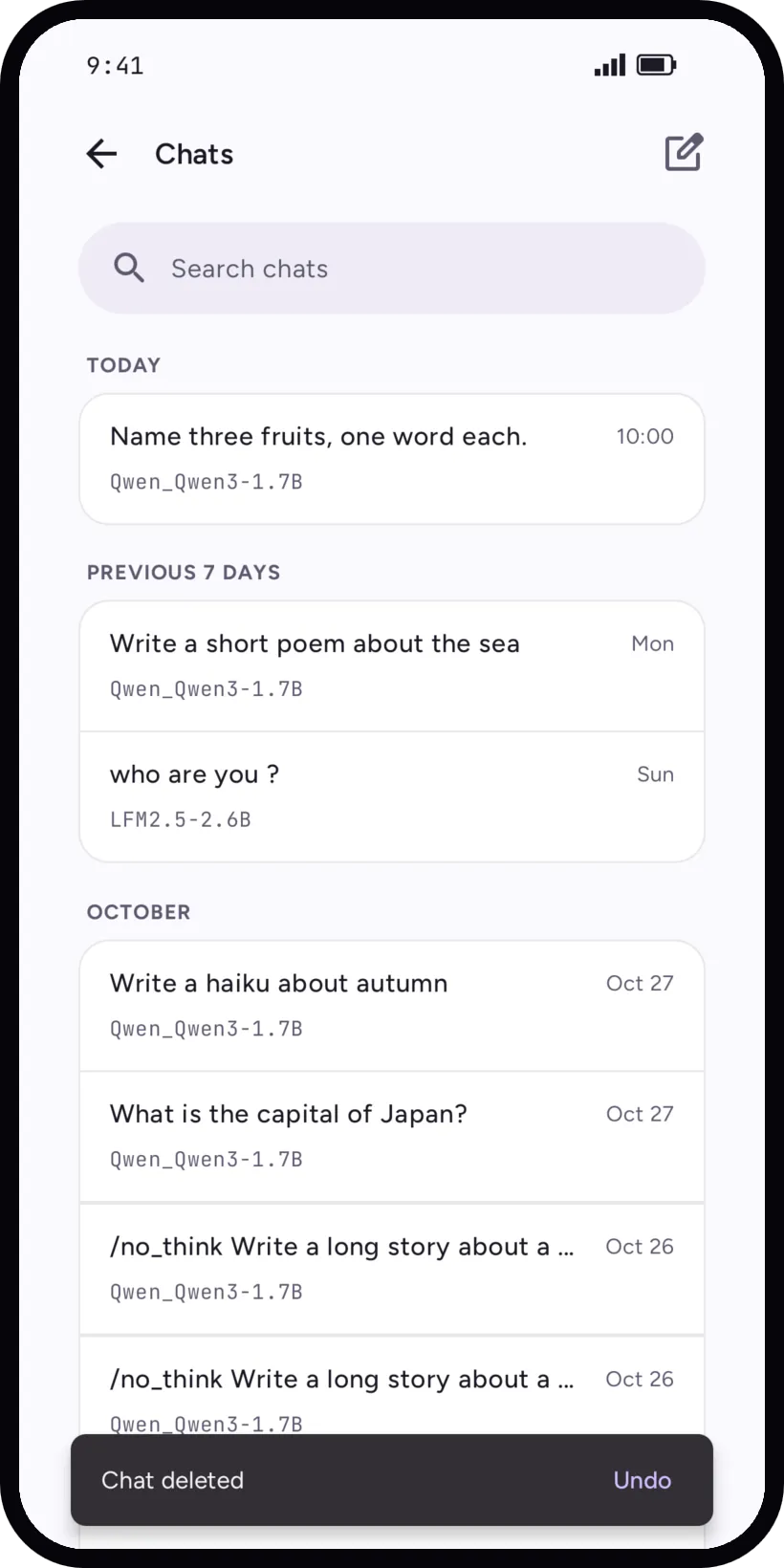
Swipe a chat left in the Chats list to delete it. Chat deleted shows for 5 seconds with Undo.
Android permissions
Internet and alarms are granted by Android at install, without a prompt. The others are asked the first time a feature needs them, and you can refuse or revoke them in Android settings: the tool that needs it then stops working.
- Notifications
- Model load progress, and the notification shown while tensai keeps the model loaded in the background.
- Contacts (read)
- To pick the right person for a message draft.
- Calendar (read)
- When you ask about your schedule. Adding an event goes through your calendar app.
- Location (approximate)
- Weather and questions about "here", to about 1 km.
What leaves the phone
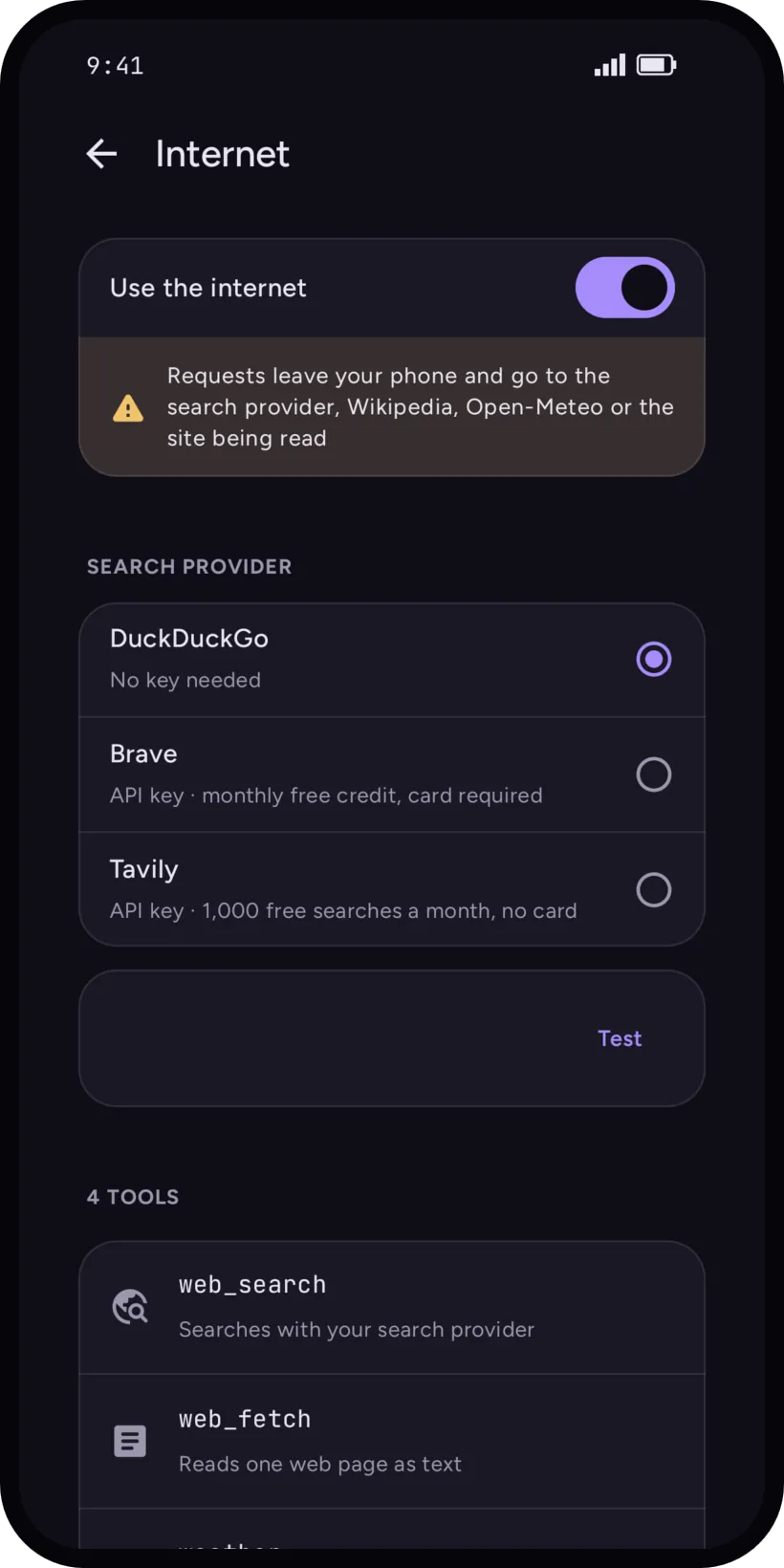
Only the Internet tier, and only once you turn it on. Each call shows where it went. The model writes the query from the whole conversation, so a search can contain anything that is in the chat, including the result of another tool.
- Web search
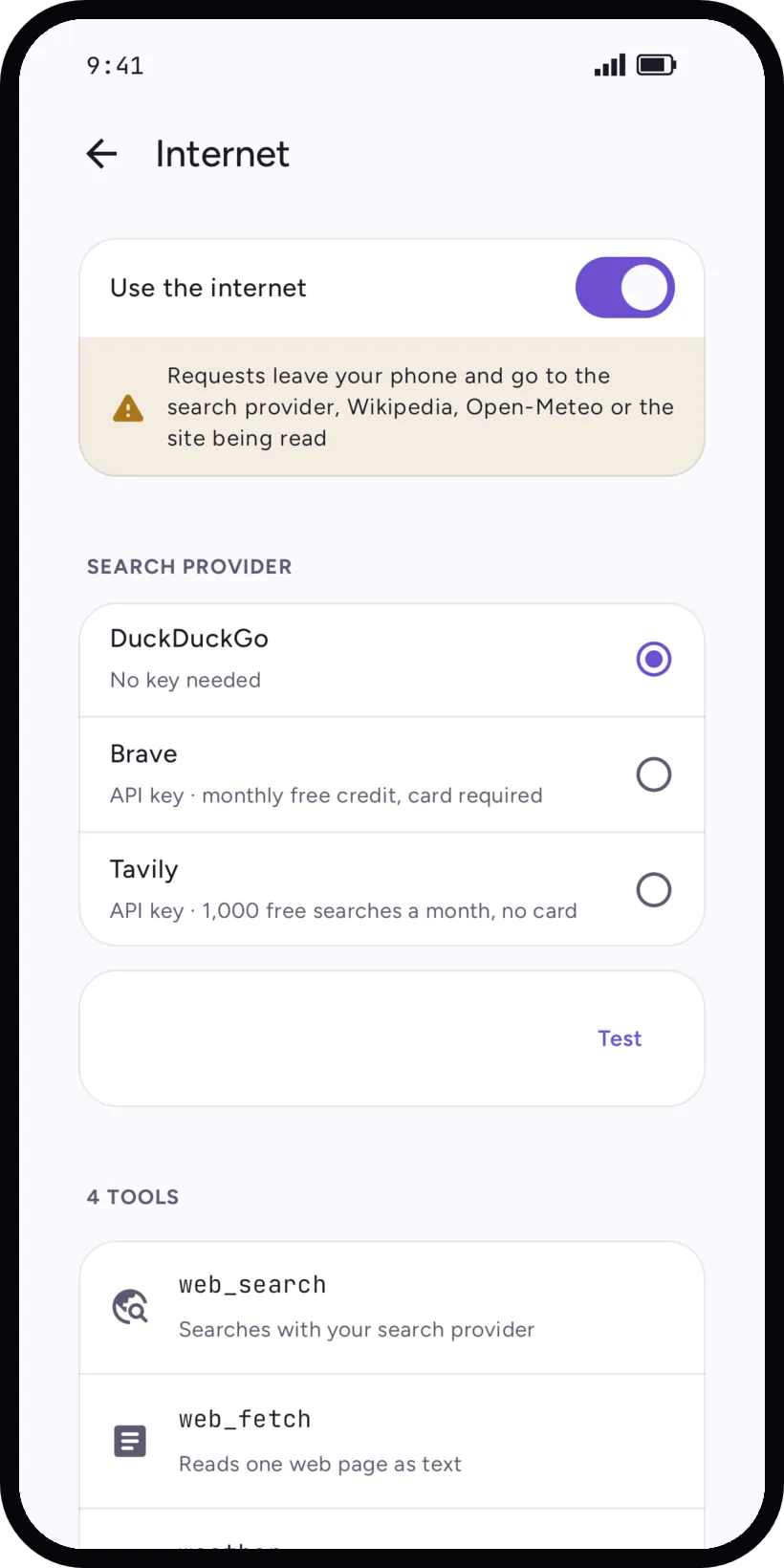
- Your search provider: DuckDuckGo by default and without a key, with Wikipedia and Marginalia as fallbacks, or Brave (API key, monthly free credit, card required) or Tavily (API key, 1,000 free searches a month, no card), as Settings describes them. The key is stored on the phone.
- Reading a page
- The site of the page, over HTTPS, as a normal request.
- Weather
- Open-Meteo, with the place you asked about or your approximate location.
- Wikipedia
- The title or the term looked up.
No account, no telemetry. The full list, with the permissions, is on the privacy page.