Download
v0.3.62026-11-05
tensai-0.3.6.apk50 MB
Verify
f86576e97270f21b4e11471f6397d0ad1f2d838e4b191e2414350d13d242f8f557a8c2d1903475e8f907e28e6c309b92b0a90947c332b056d2f6422dd9960c7dRequirements
- Android 10 or newer
- 64-bit ARMarm64-v8a
- Storage for the models you choose
Which model fits your phone
| Model | File | Phone RAM | ||||
|---|---|---|---|---|---|---|
| 4 GB | 6 GB | 8 GB | 12 GB | 16 GB | ||
| Qwen3 0.6B Q4_K_M | 0.48 GB | Runs well | Runs well | Runs well | Runs well | Runs well |
| Qwen3 1.7B Q4_K_M | 1.28 GB | Runs well | Runs well | Runs well | Runs well | Runs well |
| Llama 3.2 3B Q4_K_M | 2.02 GB | Won't fit | Runs well | Runs well | Runs well | Runs well |
| Qwen3 4B Q4_K_M | 2.50 GB | Won't fit | Tight fit | Tight fit | Tight fit | Tight fit |
| 8B-class model, Q4 | 4.50 GB | Won't fit | Won't fit | Tight fit | Tight fit | Tight fit |
| 14B-class model, Q4 | 8.00 GB | Won't fit | Won't fit | Won't fit | Tight fit | Tight fit |
Rule of thumb, as computed by the app: a model fits if its file plus about 0.7 GB (1 GB for a 4B or larger) stays under your phone's RAM minus roughly 2 to 2.7 GB (the app keeps 1.5 GB for Android and sees a bit less RAM than advertised). Models of 3.5B parameters and up are marked Tight fit even when they fit in memory, because they generate slowly (about 2 tokens/s or less on the phone we measured).
The table describes a phone class. The app checks your actual phone and the model before you download it. 4 GB phones are at the limit. A model you import yourself is checked on your phone when you load it. The 8B and 14B rows are typical files of their class, not models in tensai's list.
Install
- 01
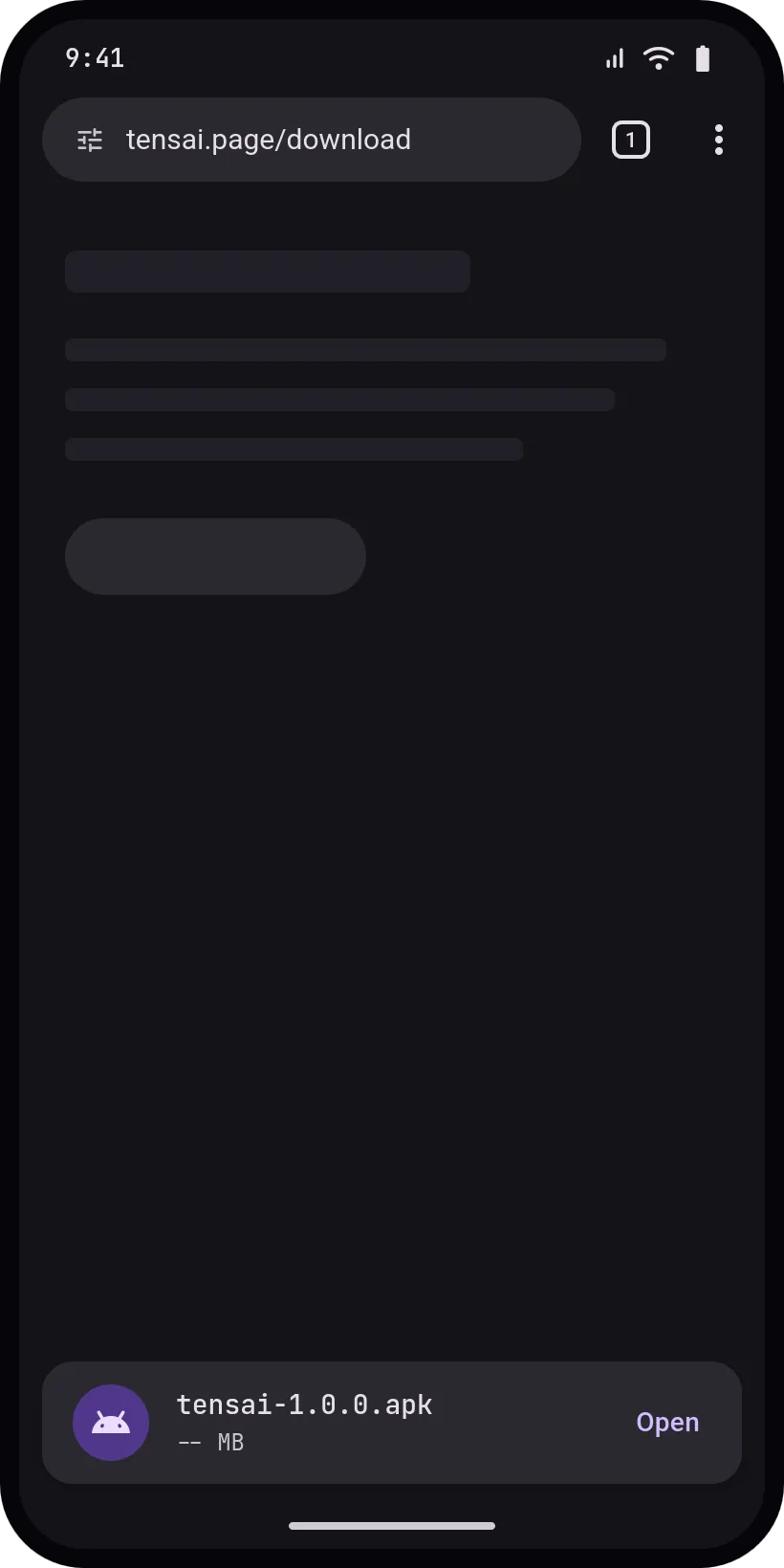
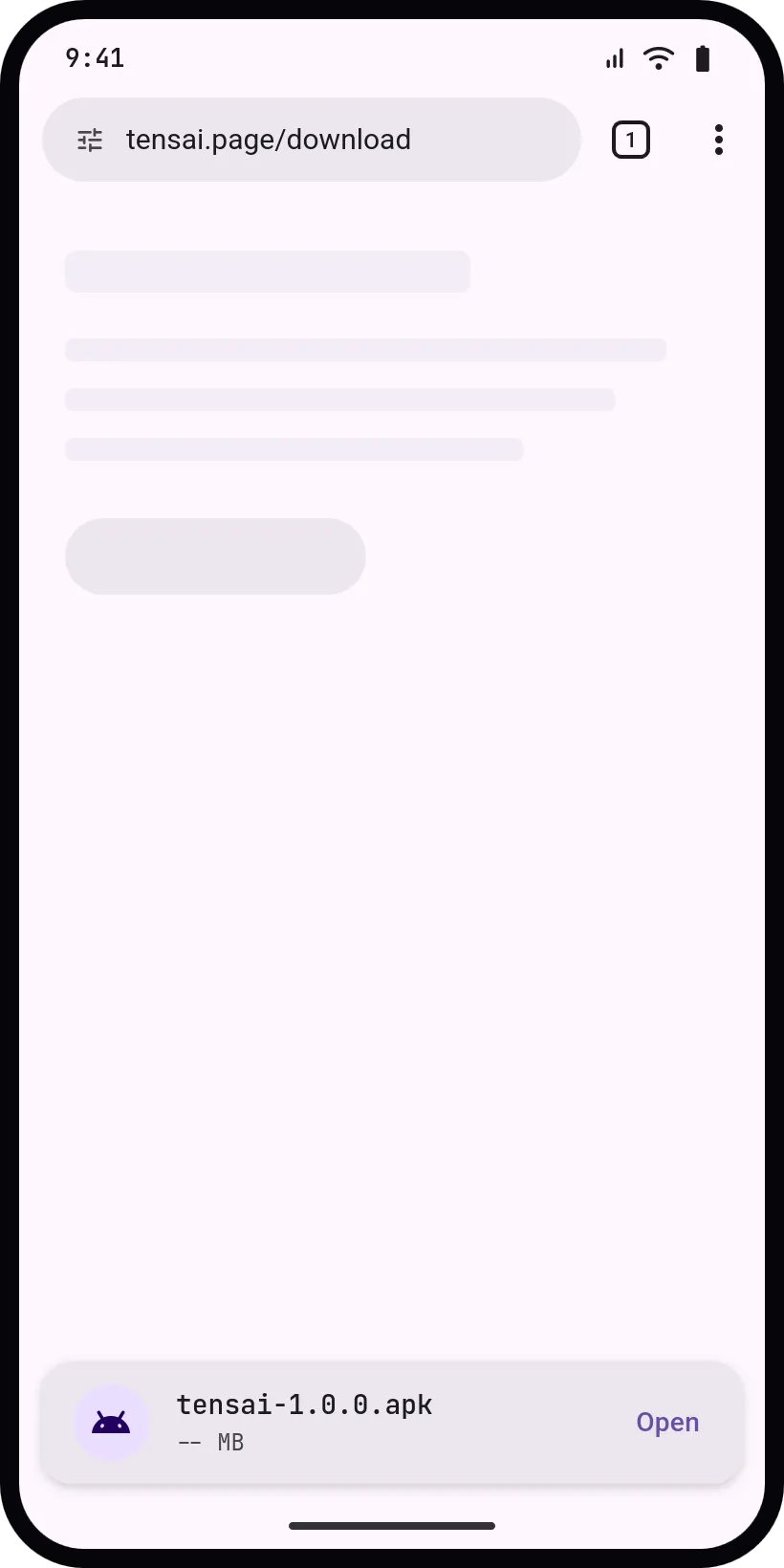
Download the APK
Get the APK from this page or from GitHub releases.
- 02
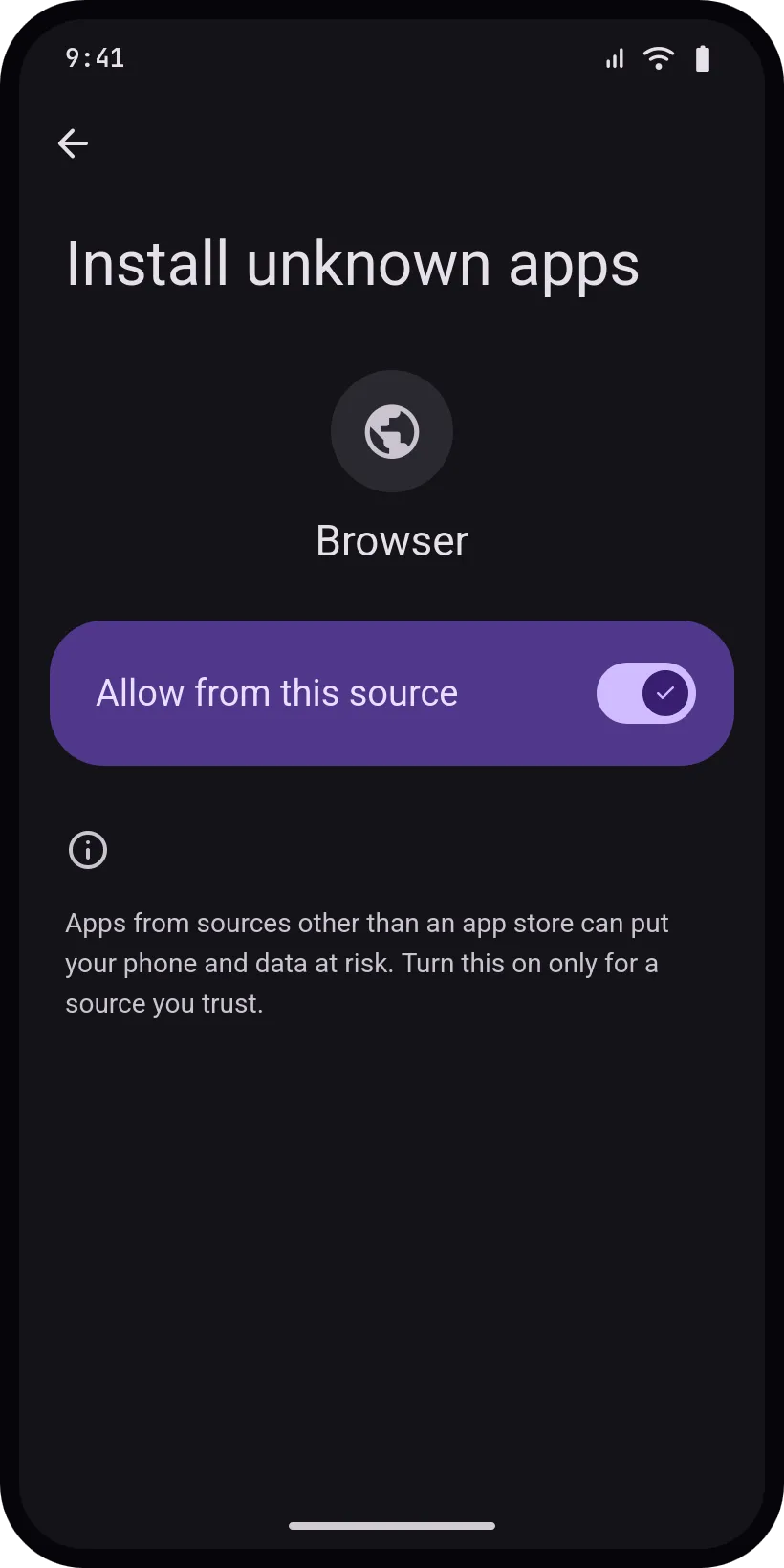
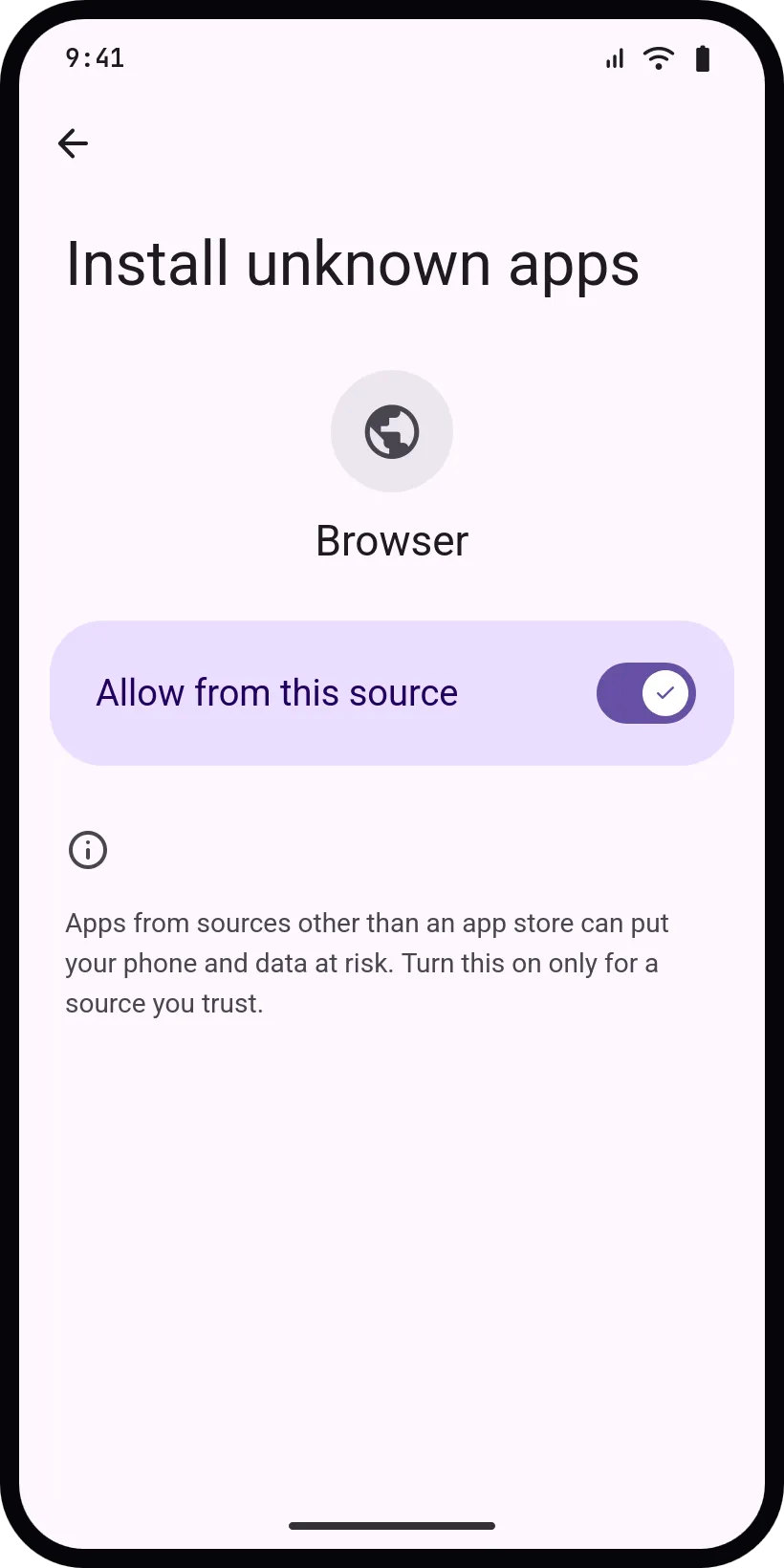
Allow installs from this source
Android asks once. Allow your browser or file manager to install apps.
- 03
Open tensai
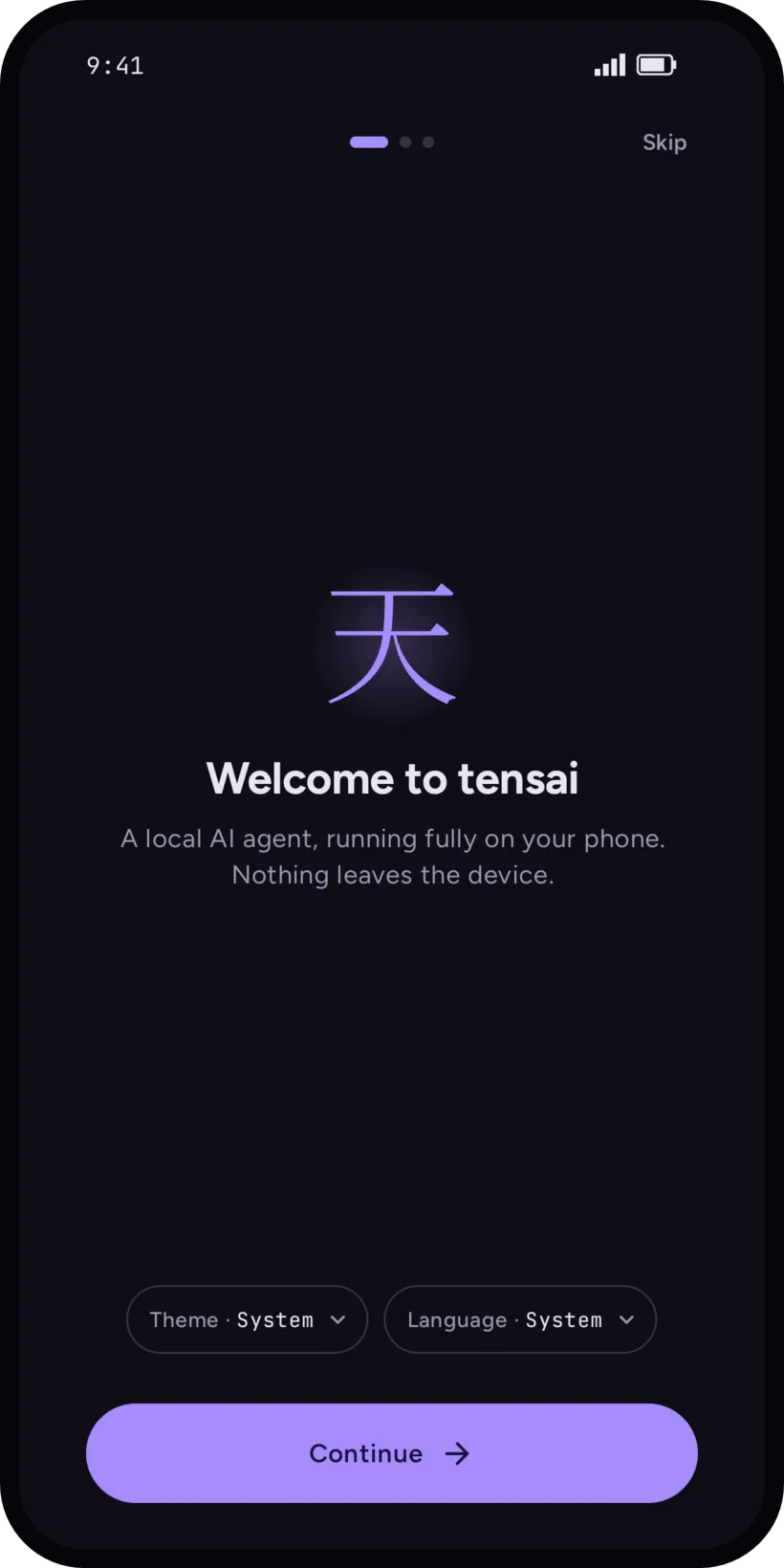
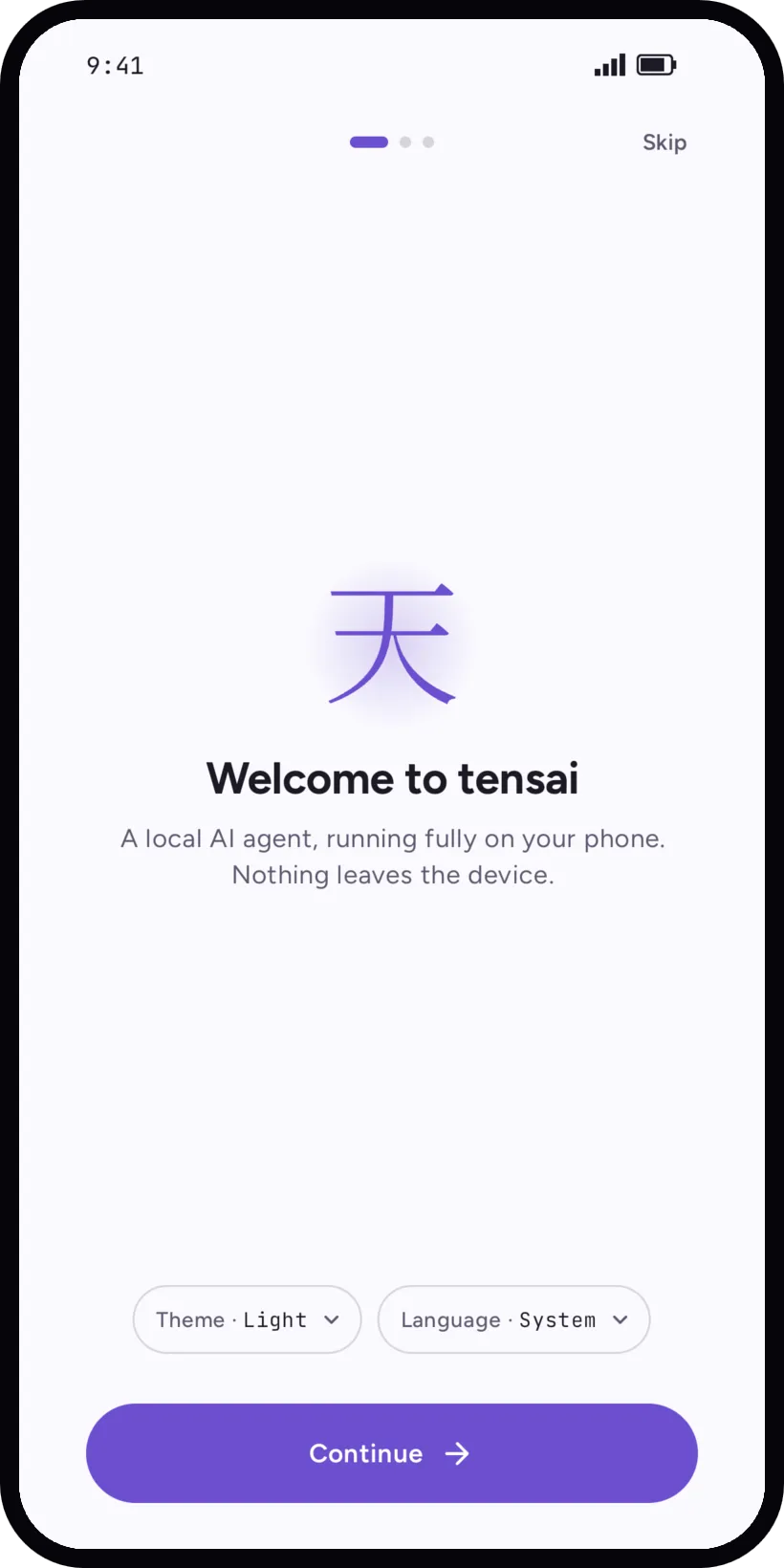
tensai starts with a short setup: theme and language.
- 04
Pick a first model
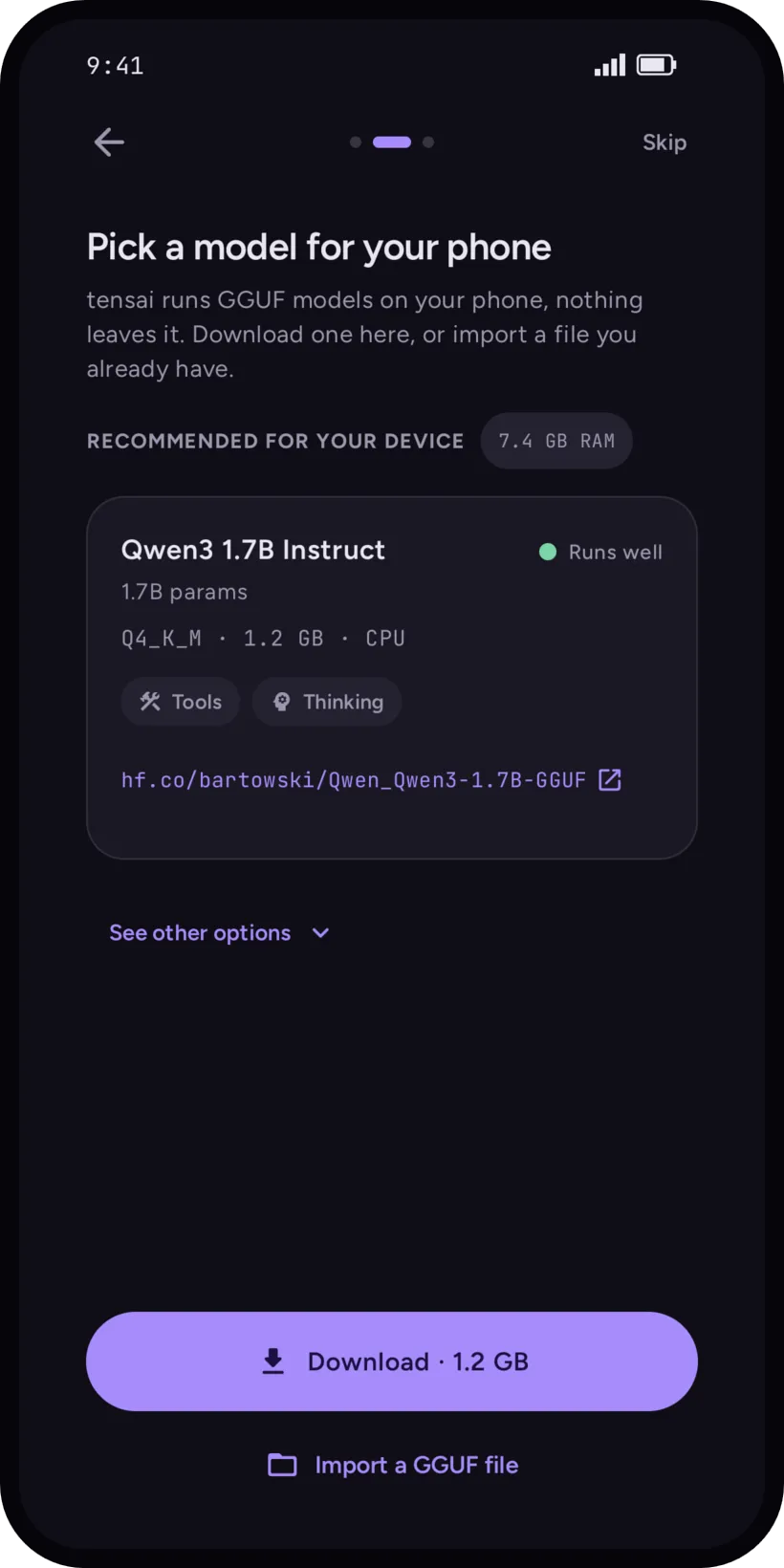
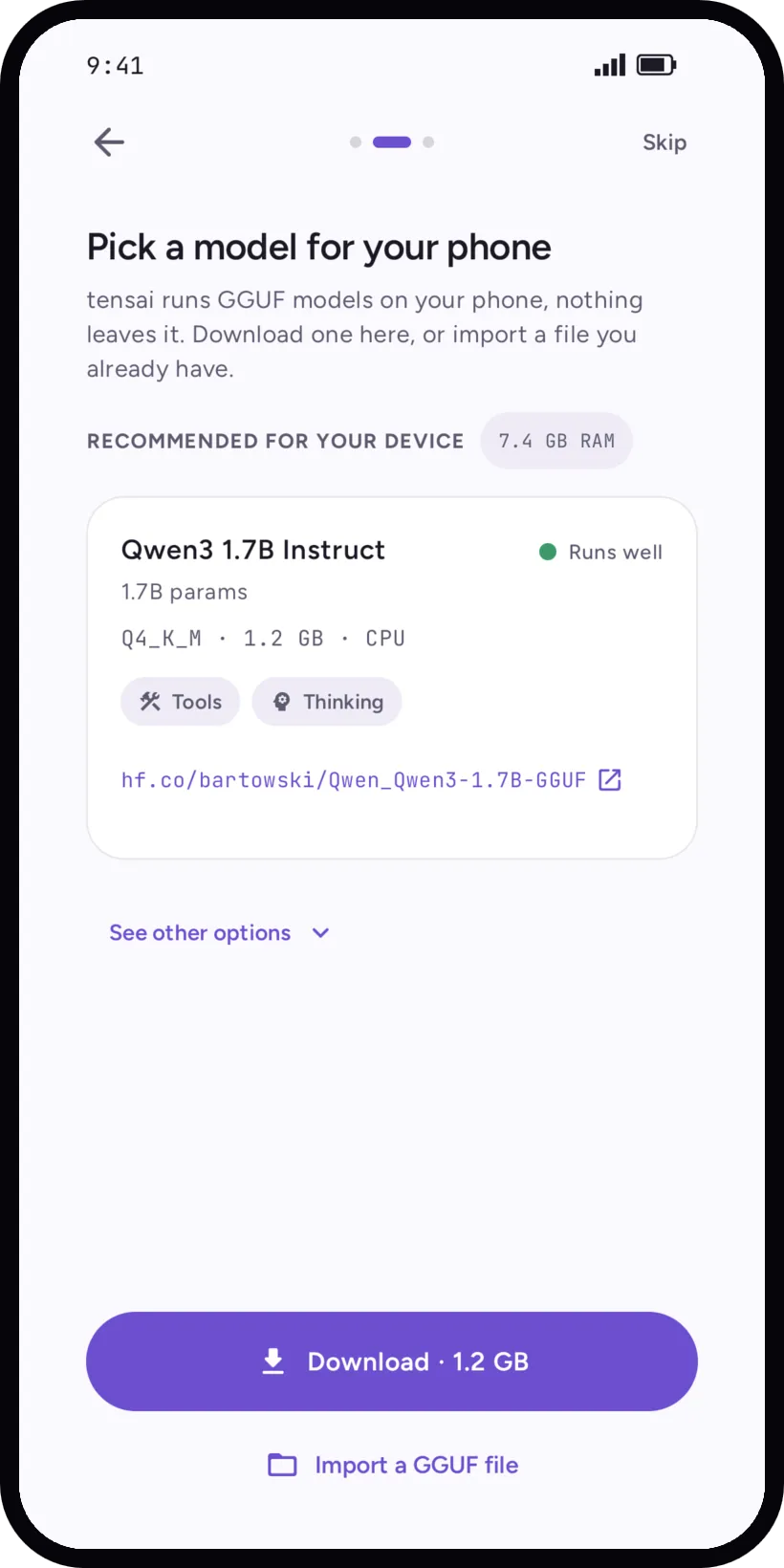
tensai suggests one that fits your phone. Download it or import a GGUF file.
Verify the APK
Compare the hash with the one above, then check that the signing certificate matches.
sha256sum tensai-0.3.6.apkapksigner verify --print-certs tensai-0.3.6.apkStay up to date
Obtainium
Watches the GitHub releases and updates tensai on your phone.
Open releasesGitHub releases
Every version with its APK, checksums and release notes.
Open releasesF-Droid: later
Not available yet.